Christian Pisini Coaching
Christian coaches lifters online, full-time — but he was running programs, diet plans, and check-ins through scattered spreadsheets and DMs. He needed an actual product: one place where he manages every client, and one place where every client lives day to day.
Where every client trains, eats and checks in
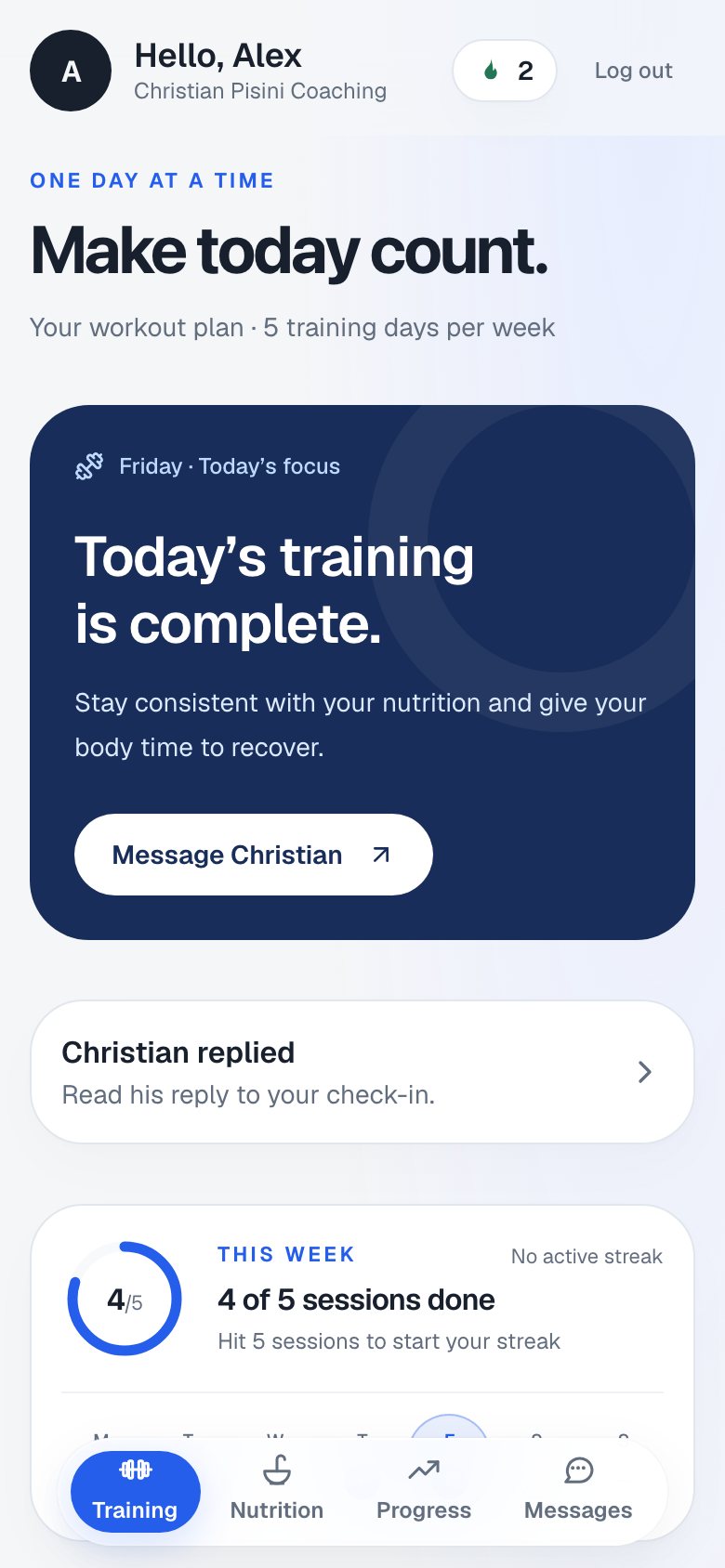
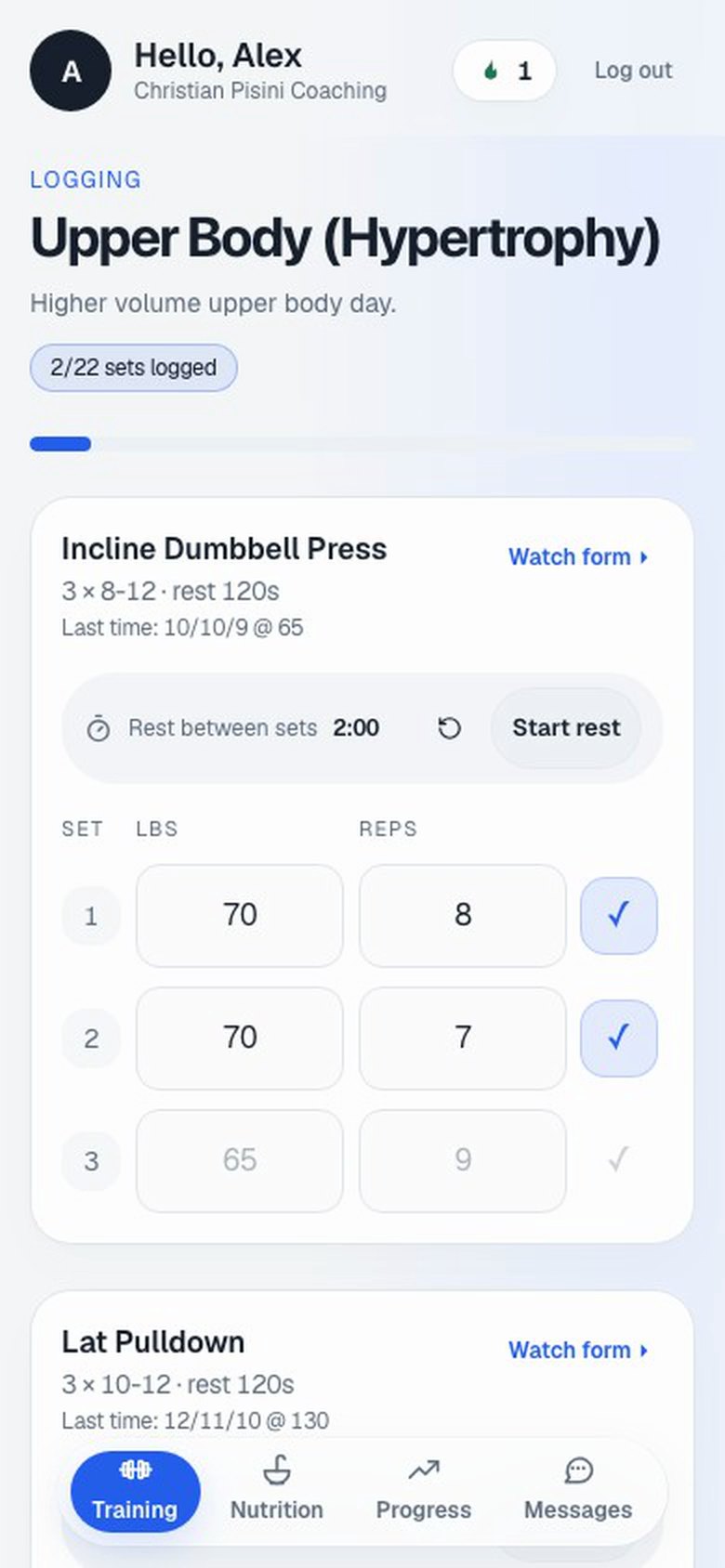
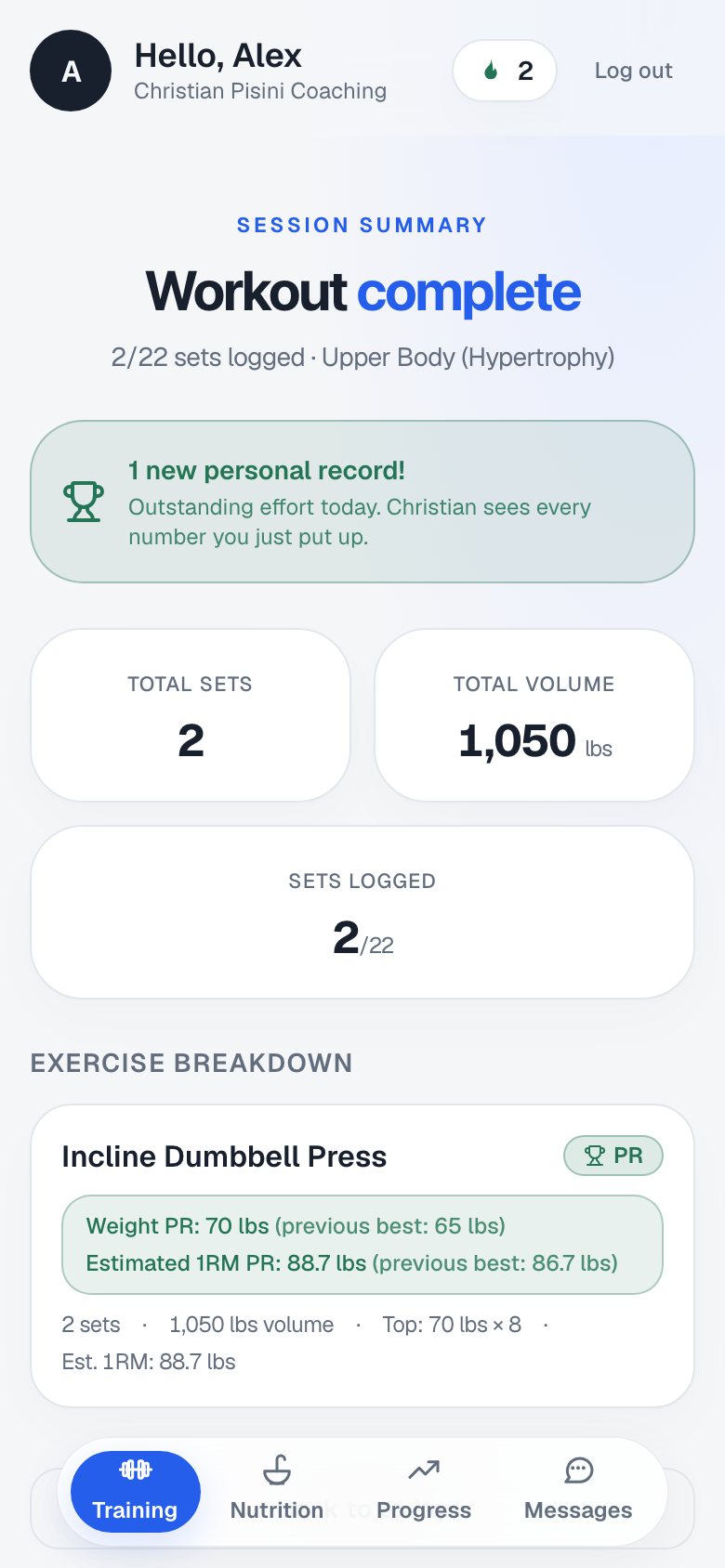
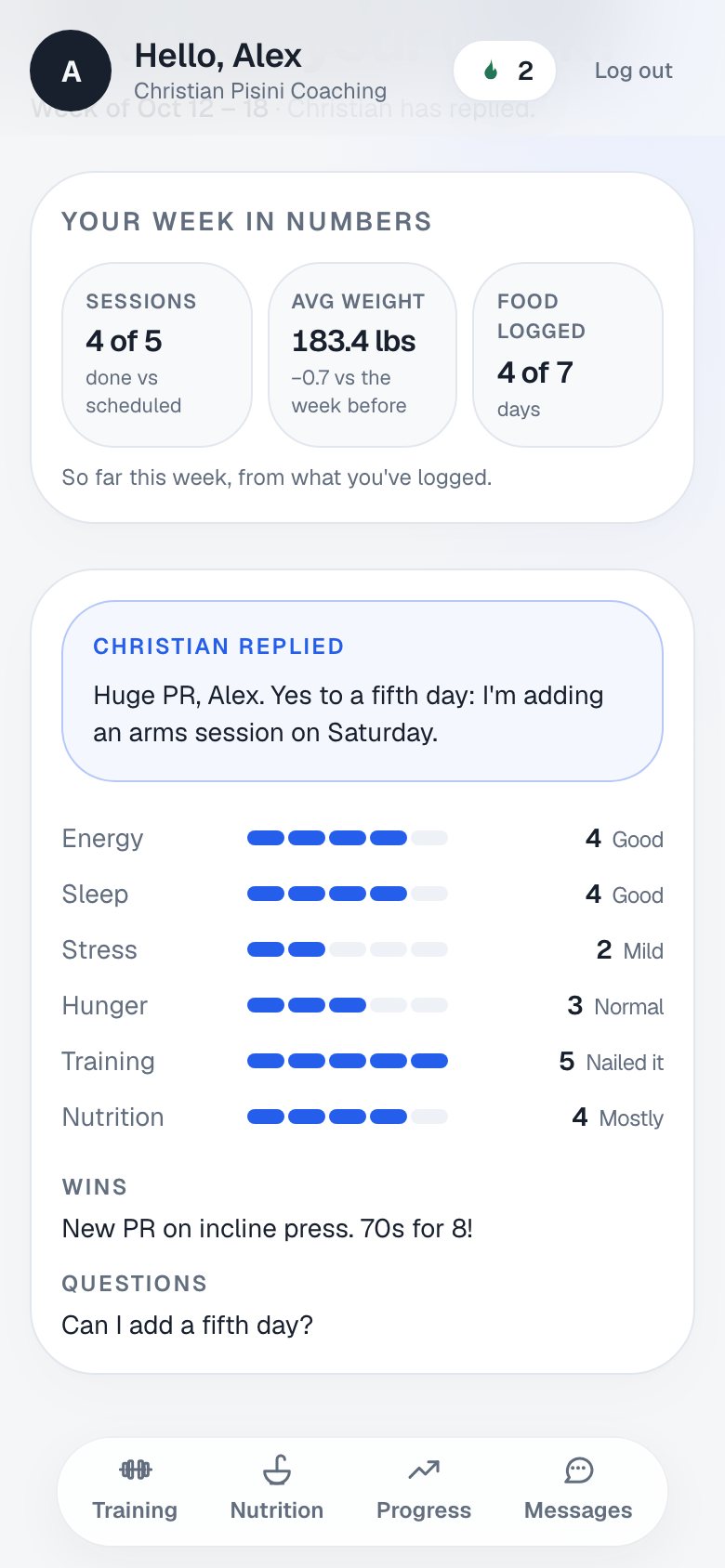
An installable app on each lifter's phone. Swipe through the screens. All names and numbers are demo data.
Every client, program and plan in one place
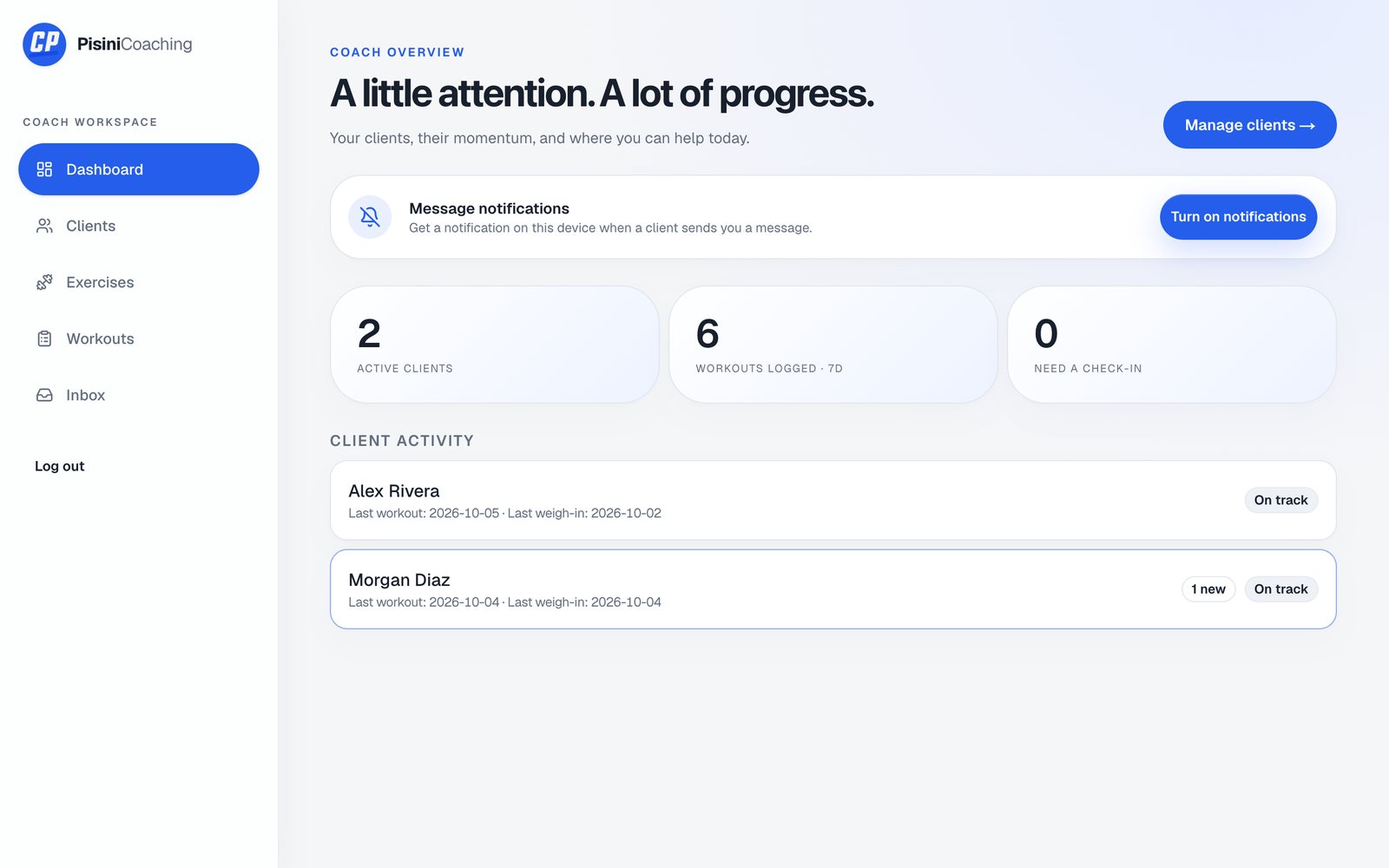
Coach dashboard
Who's training and who's gone quiet, unread messages, and one tap to get a phone notification for every client message.
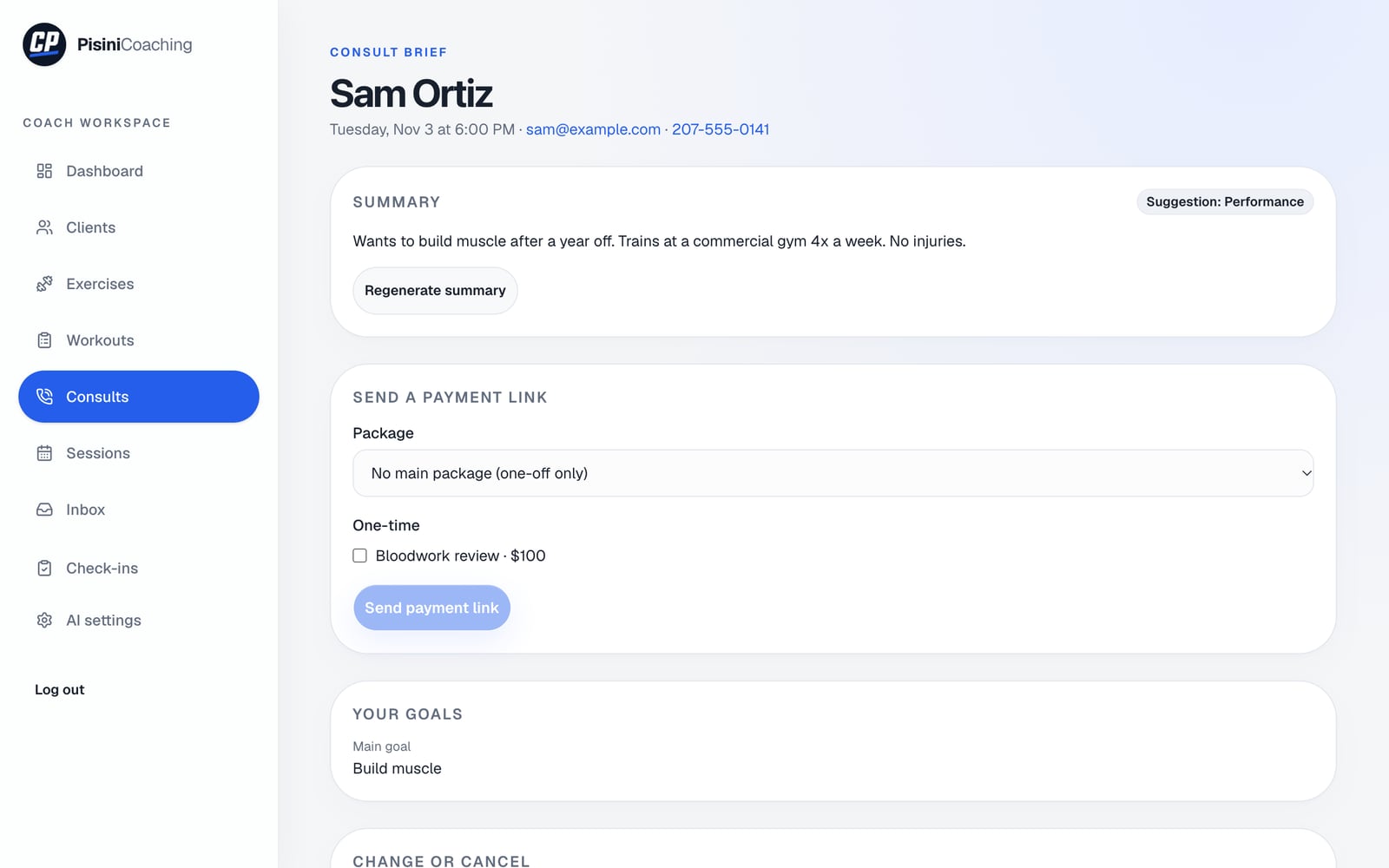
Consult briefs
Applicants book a free call from the website. Before it, Christian gets a brief: their goals, training history and a suggested package, with the payment link one tap away.
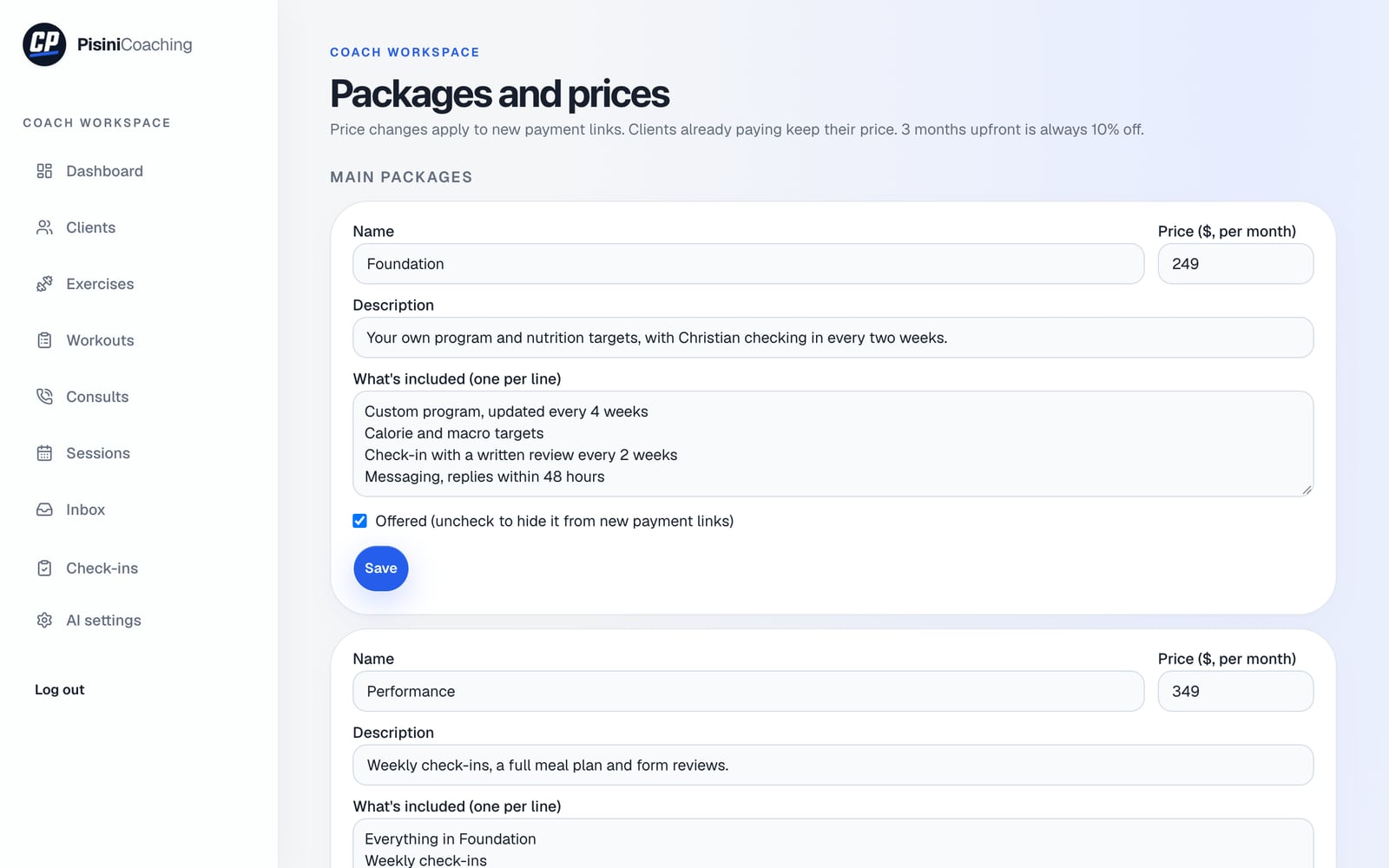
Packages and payment links
Christian sets his own packages and prices. A payment link goes out from a consult or a client page, Stripe takes the money, and paying turns the applicant into a client with their answers carried over.
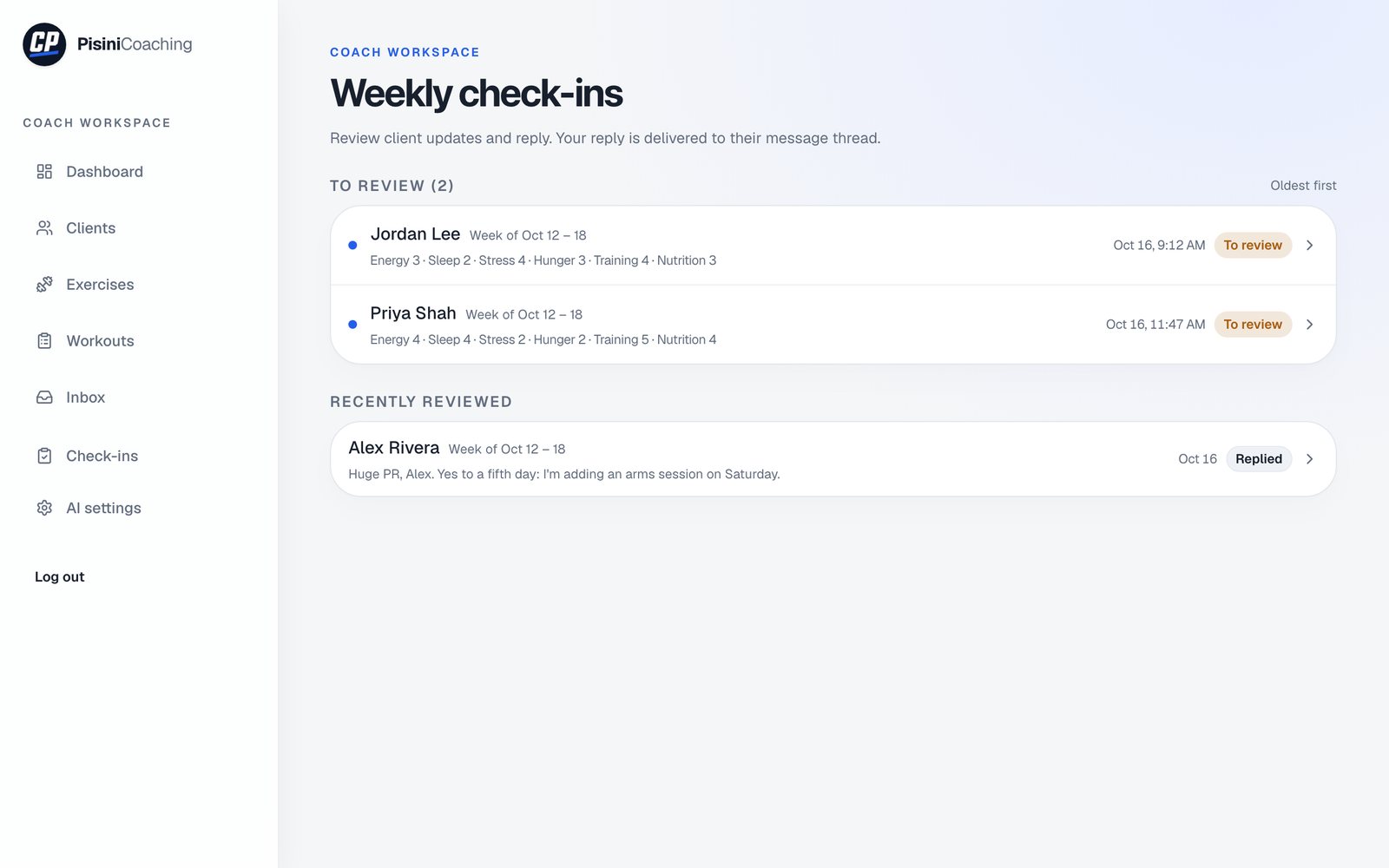
Weekly check-ins
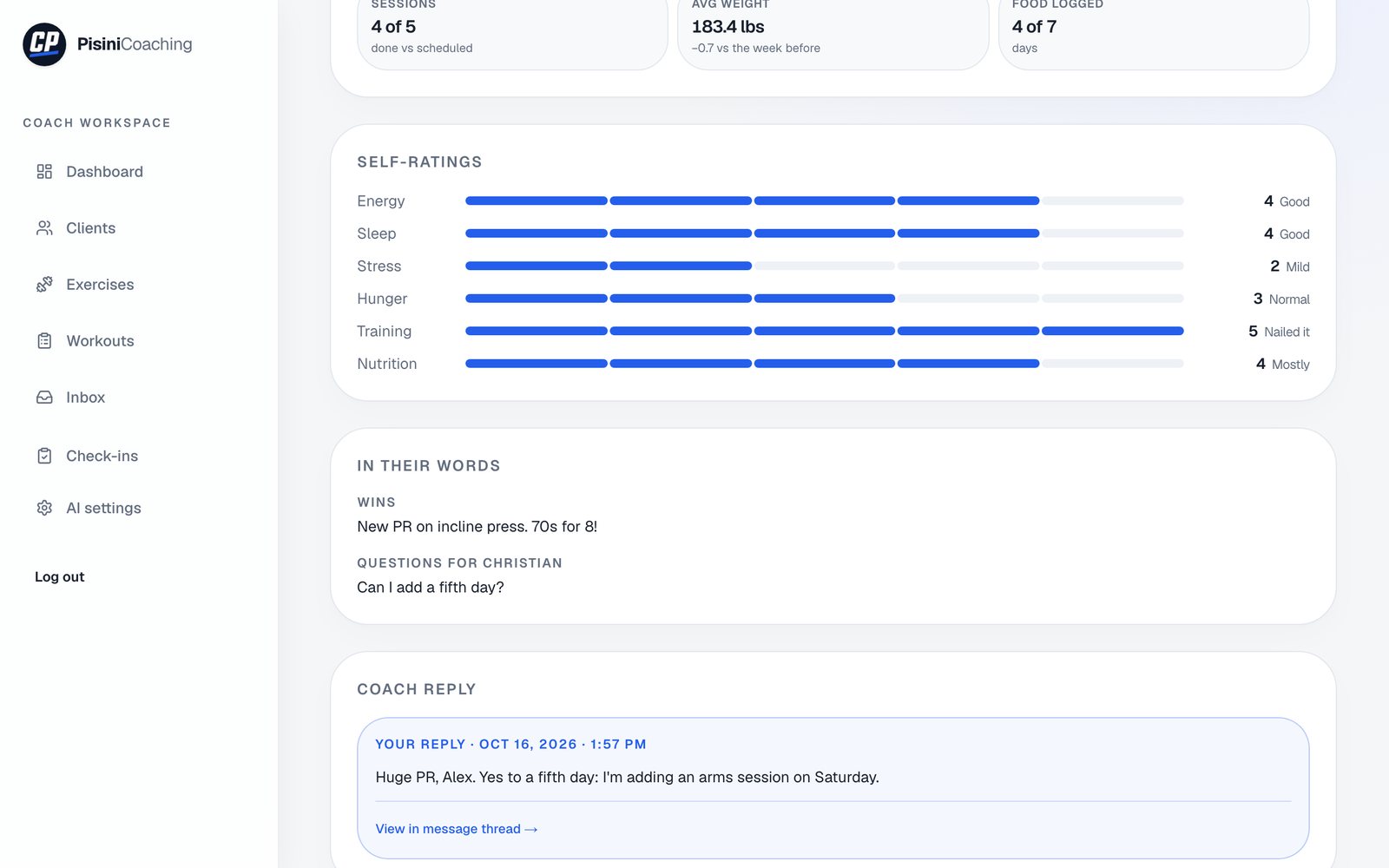
Every client's Friday check-in in one queue, oldest first, with their ratings and the week's numbers at a glance.
Reply in one place
Read the ratings, wins and questions, then reply. The answer goes straight into the client's message thread.
Private coach notes
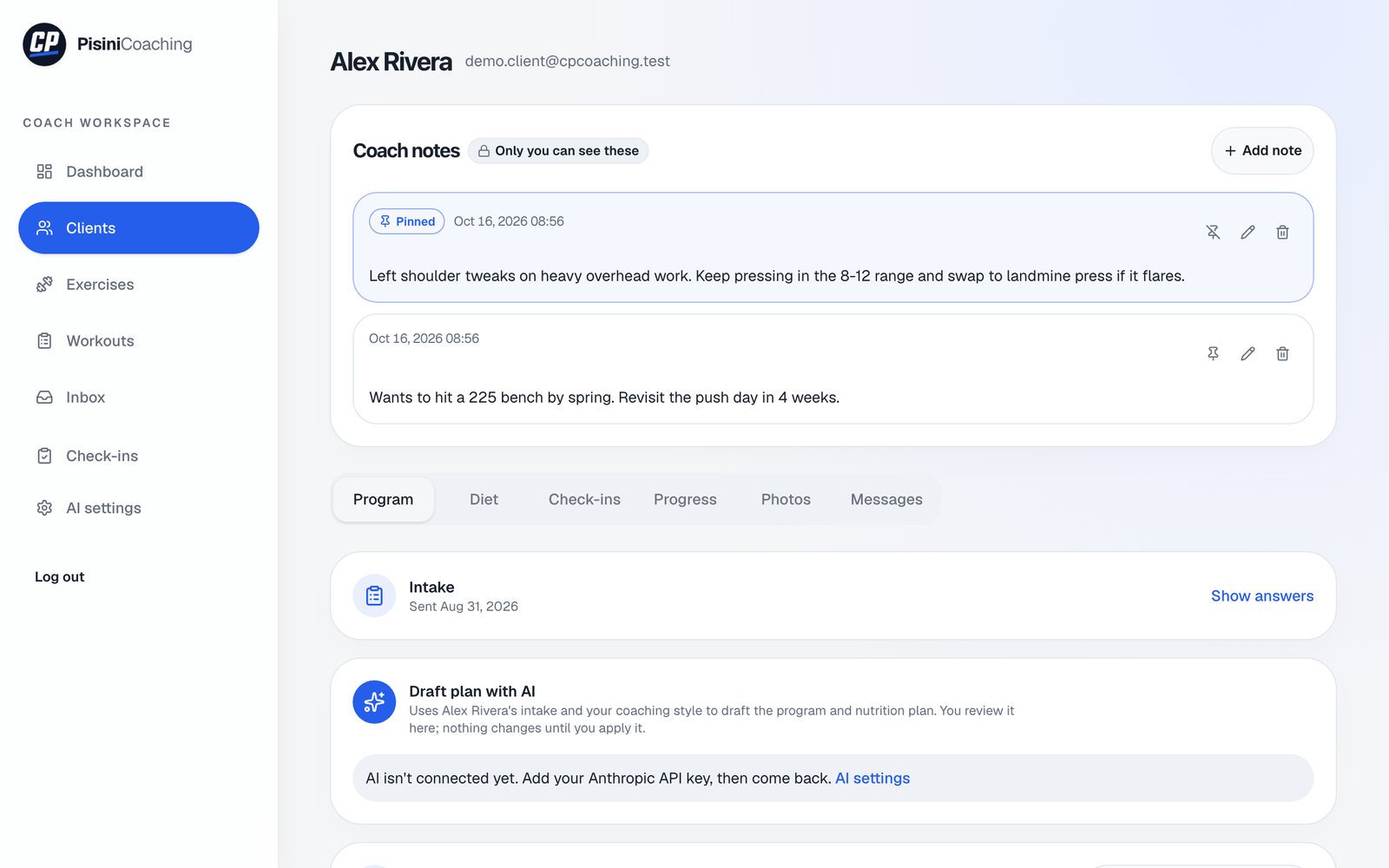
Notes on each client that only Christian can see, with the important ones pinned to the top.
Weekly program
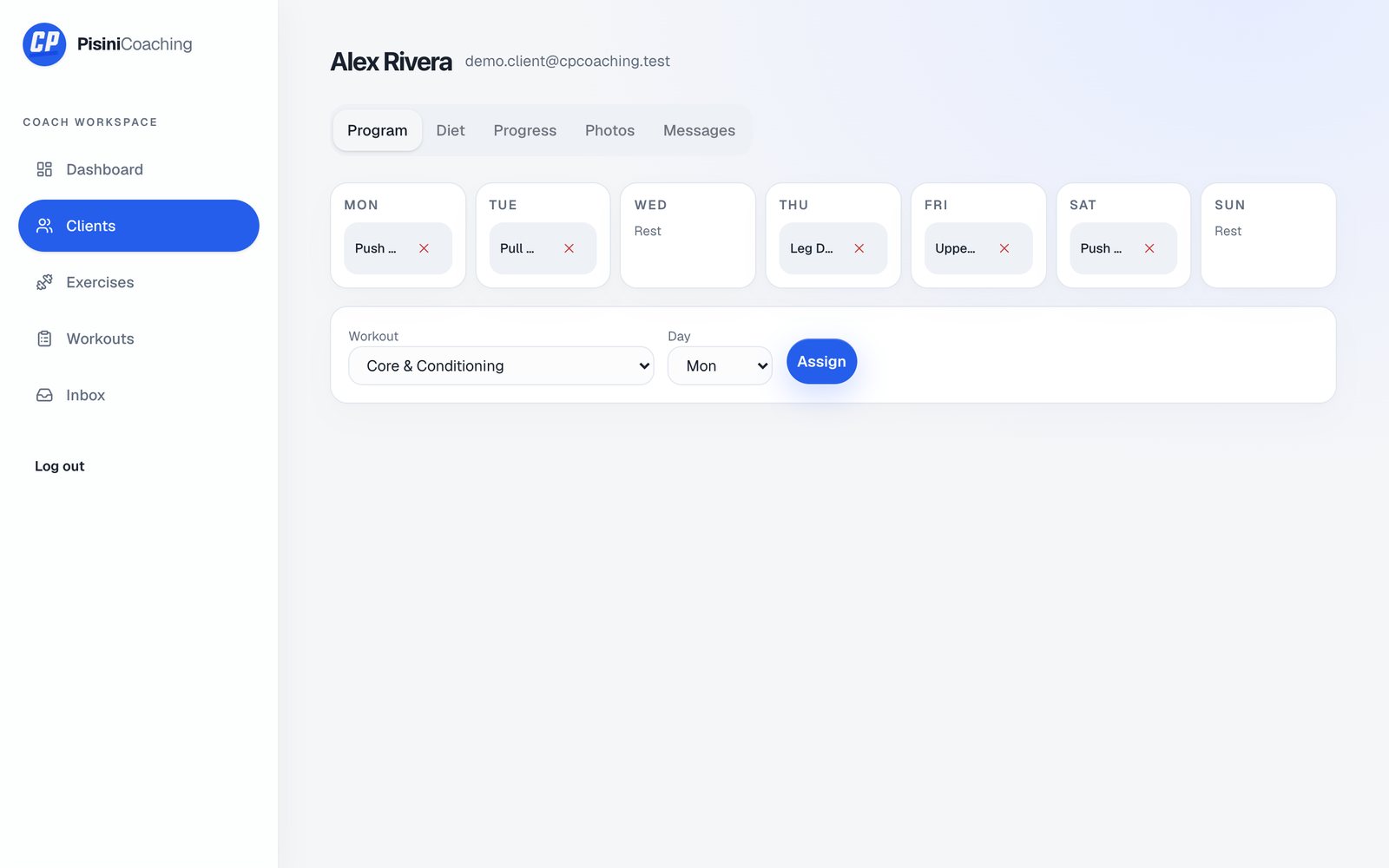
Assign a workout to each day of a client's week from the template library.
Plan builder
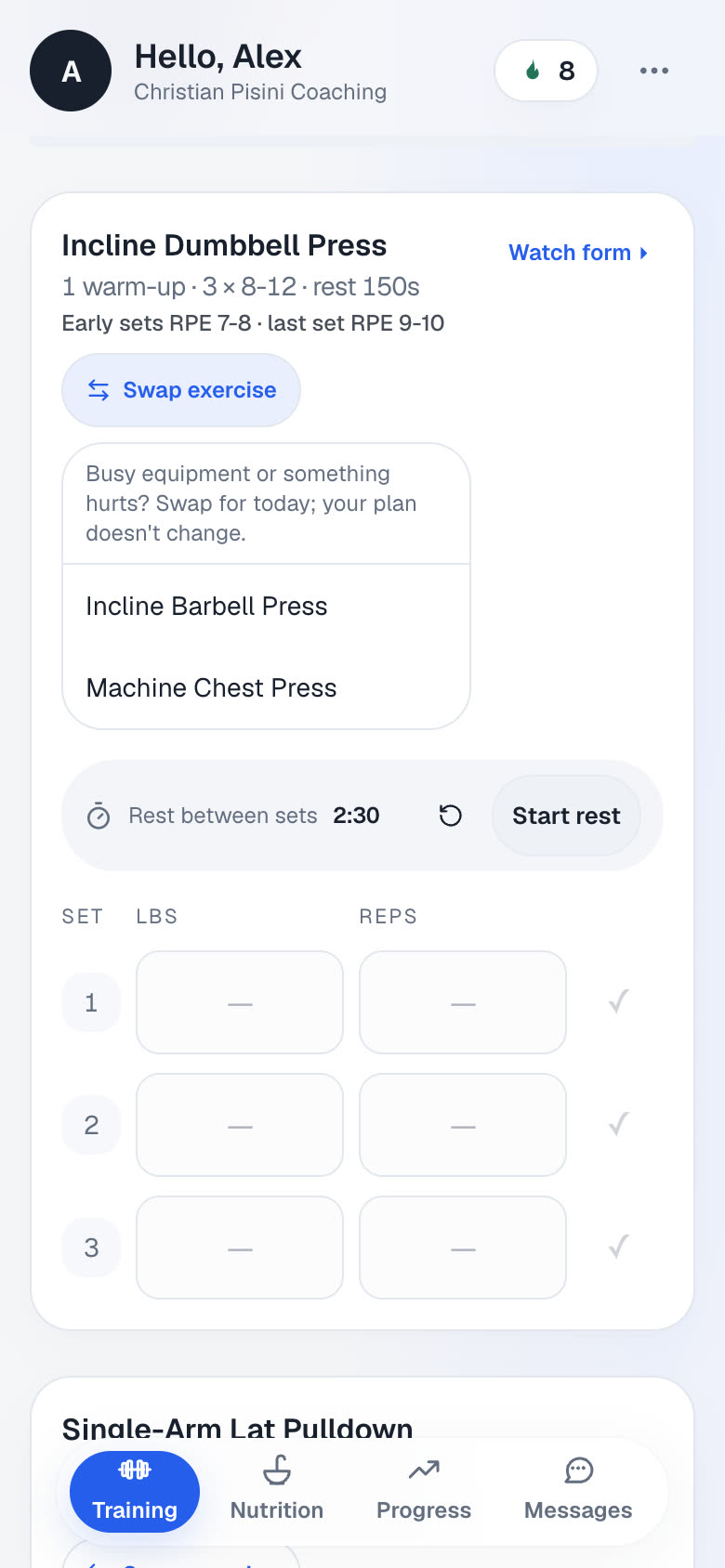
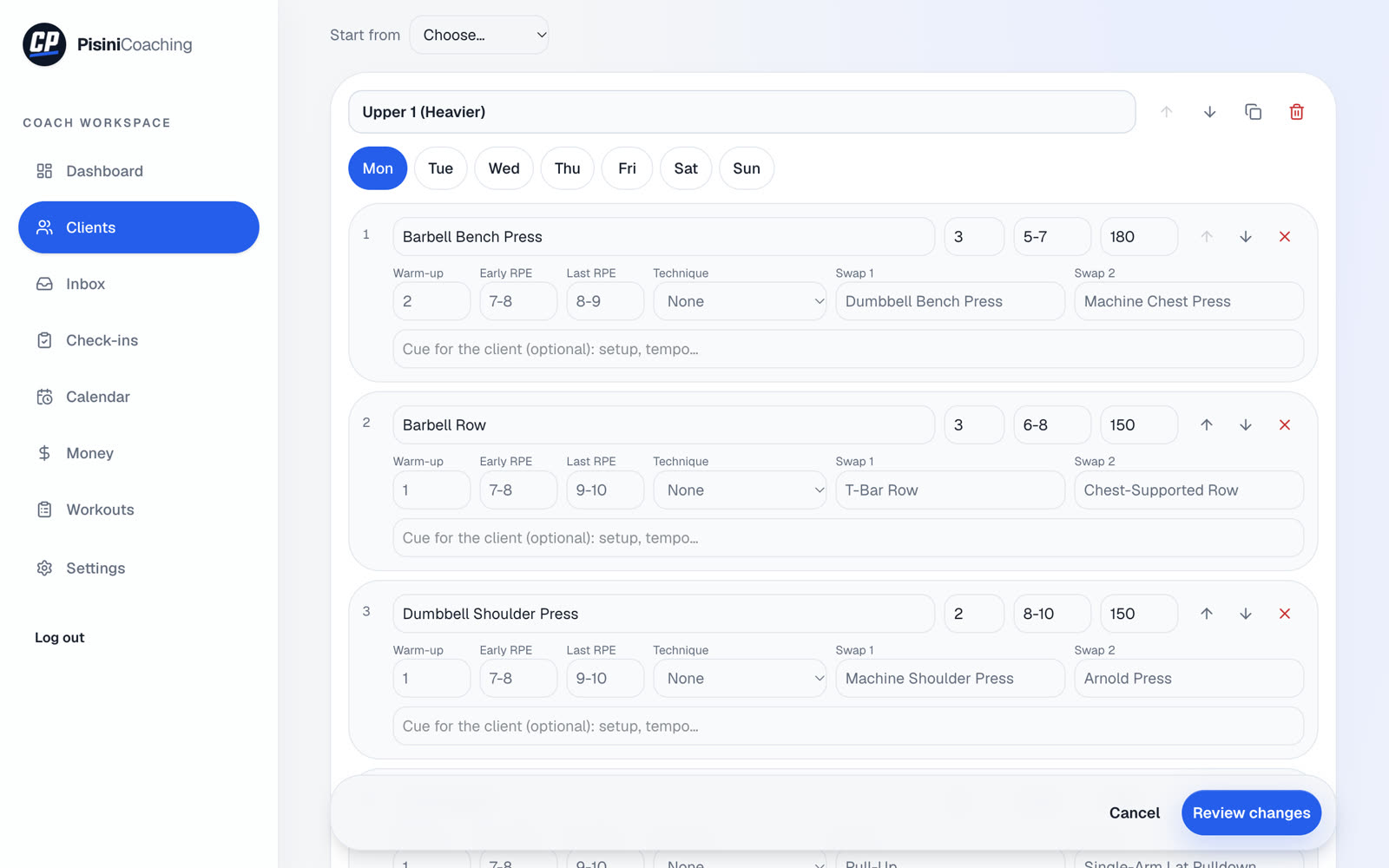
One screen for a client's whole week: workouts, days, sets, reps, warm-ups, effort targets and two swaps for every exercise. Nothing changes for the client until Christian reviews it and saves.
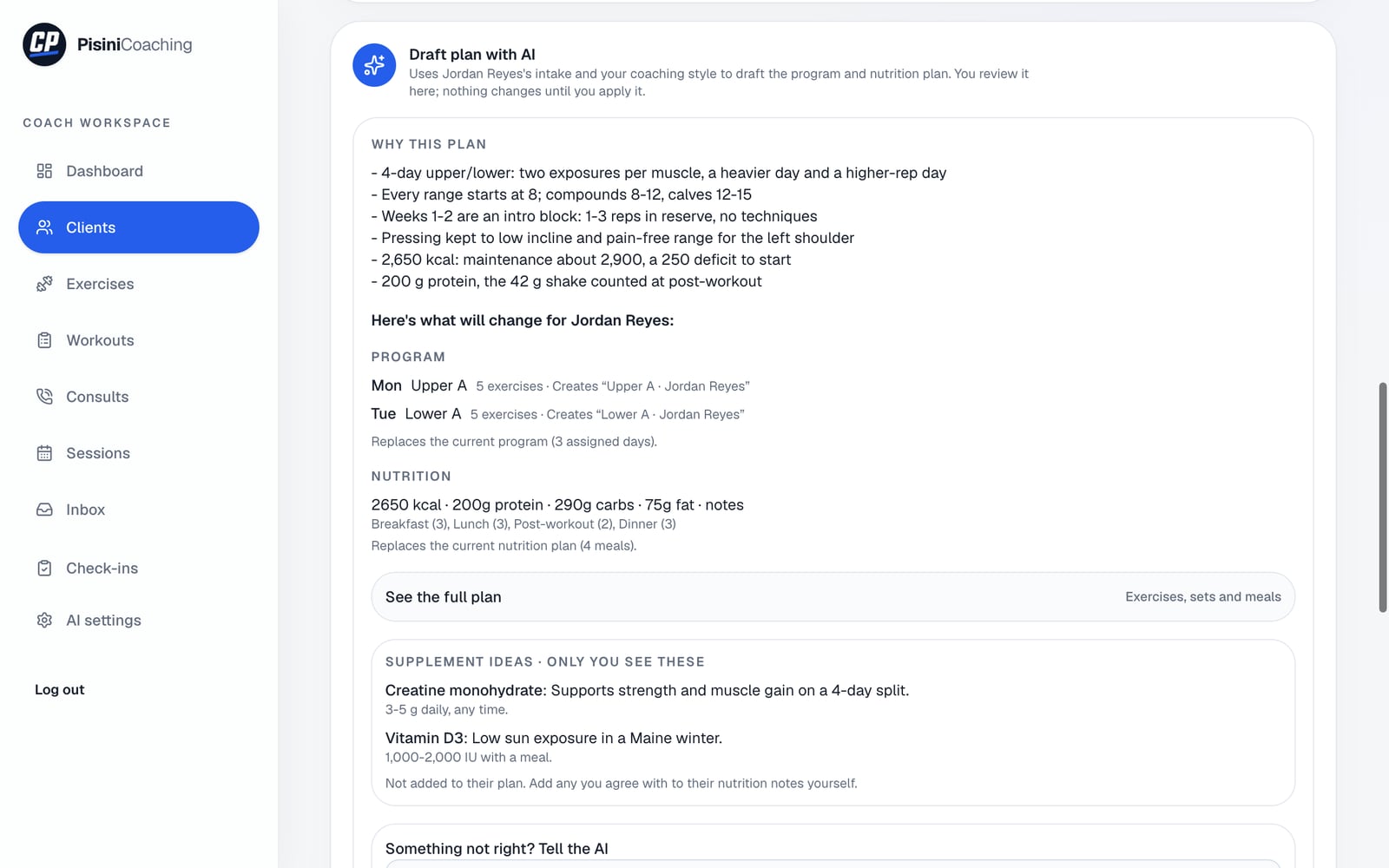
AI plan drafts
AI drafts a full program and nutrition plan from the client's intake, equipment, injuries and recent progress, following Christian's rules. He reads why, tells it what to fix, and nothing changes until he applies it. His corrections become lessons it keeps for every client.
Program templates
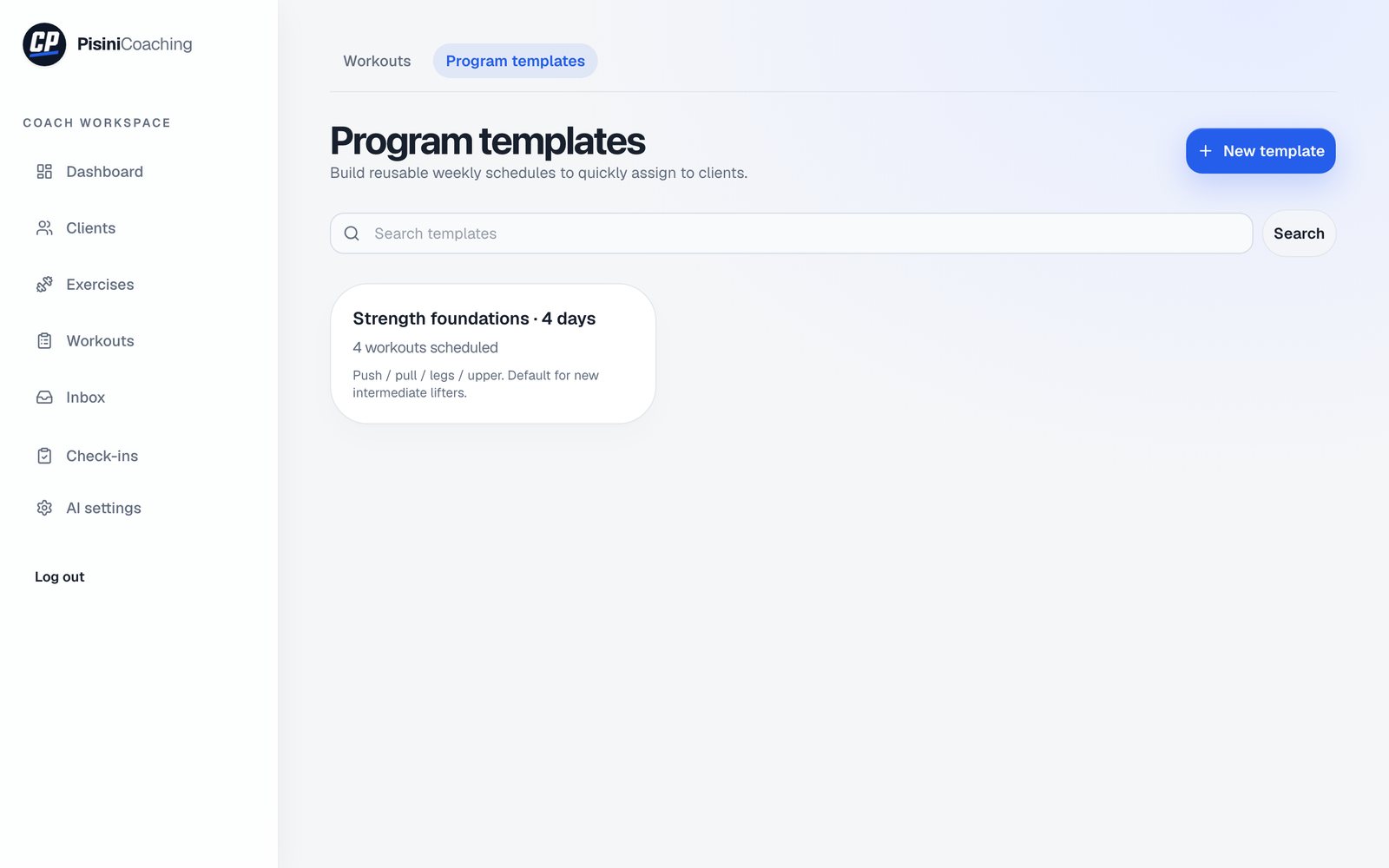
Build a training week once, save a client's week as a template, and apply it to the next client.
Plan spreadsheet
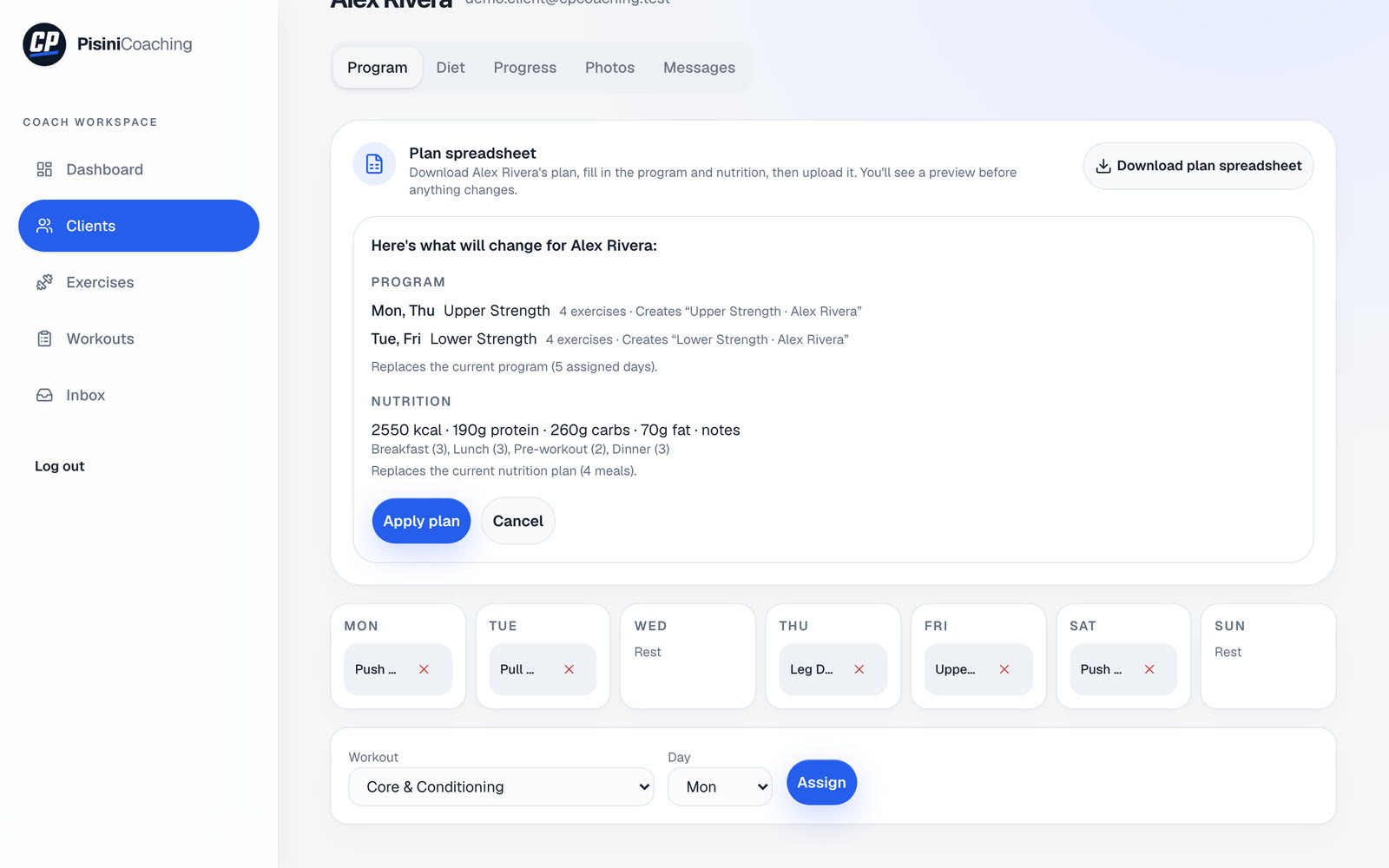
Download a client's whole plan as a spreadsheet, fill in the program and nutrition, upload it, and preview every change before applying it. Typos, like an exercise that isn't in the library, are flagged by row.
Diet plans
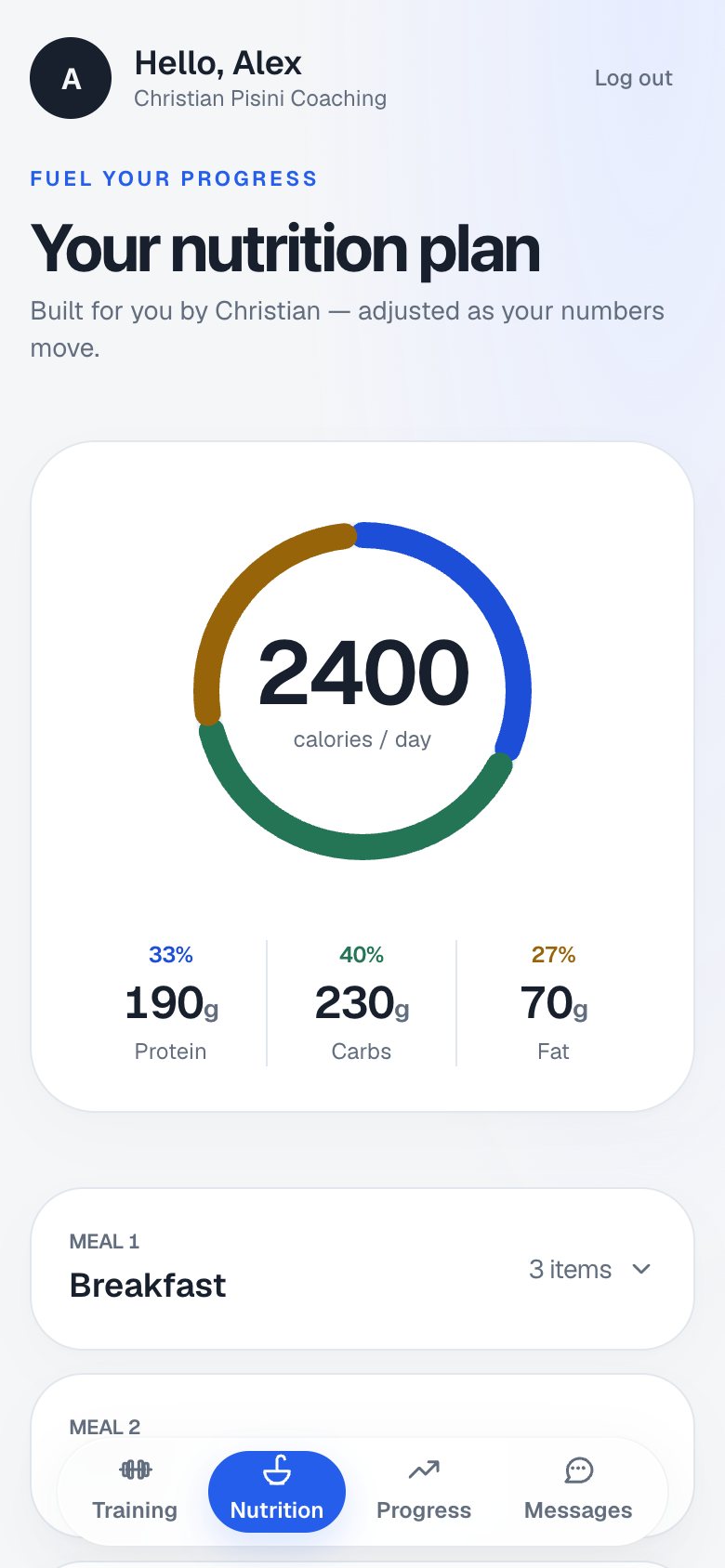
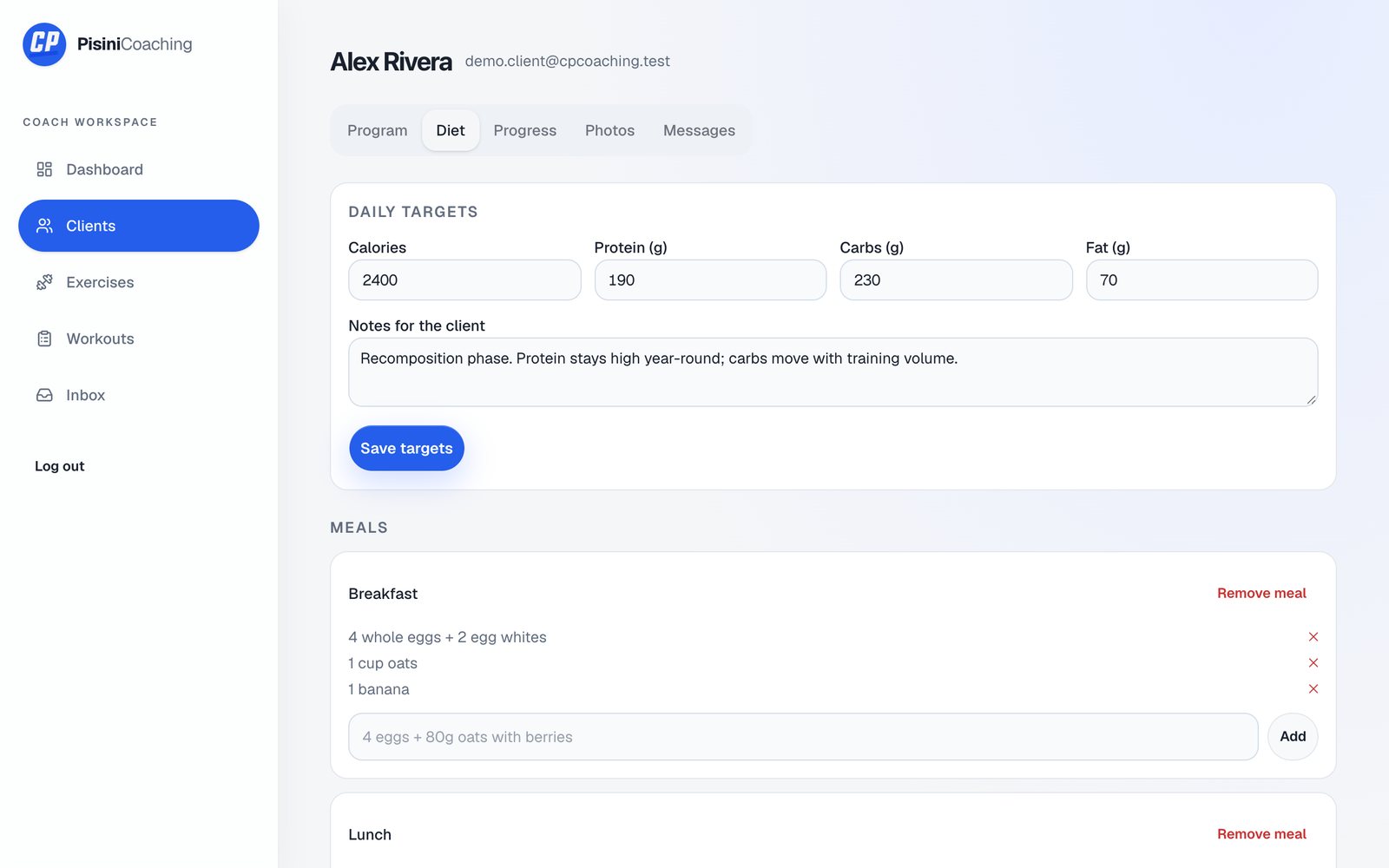
Set calories and macros, leave notes, and build each client's meals item by item.
Client progress
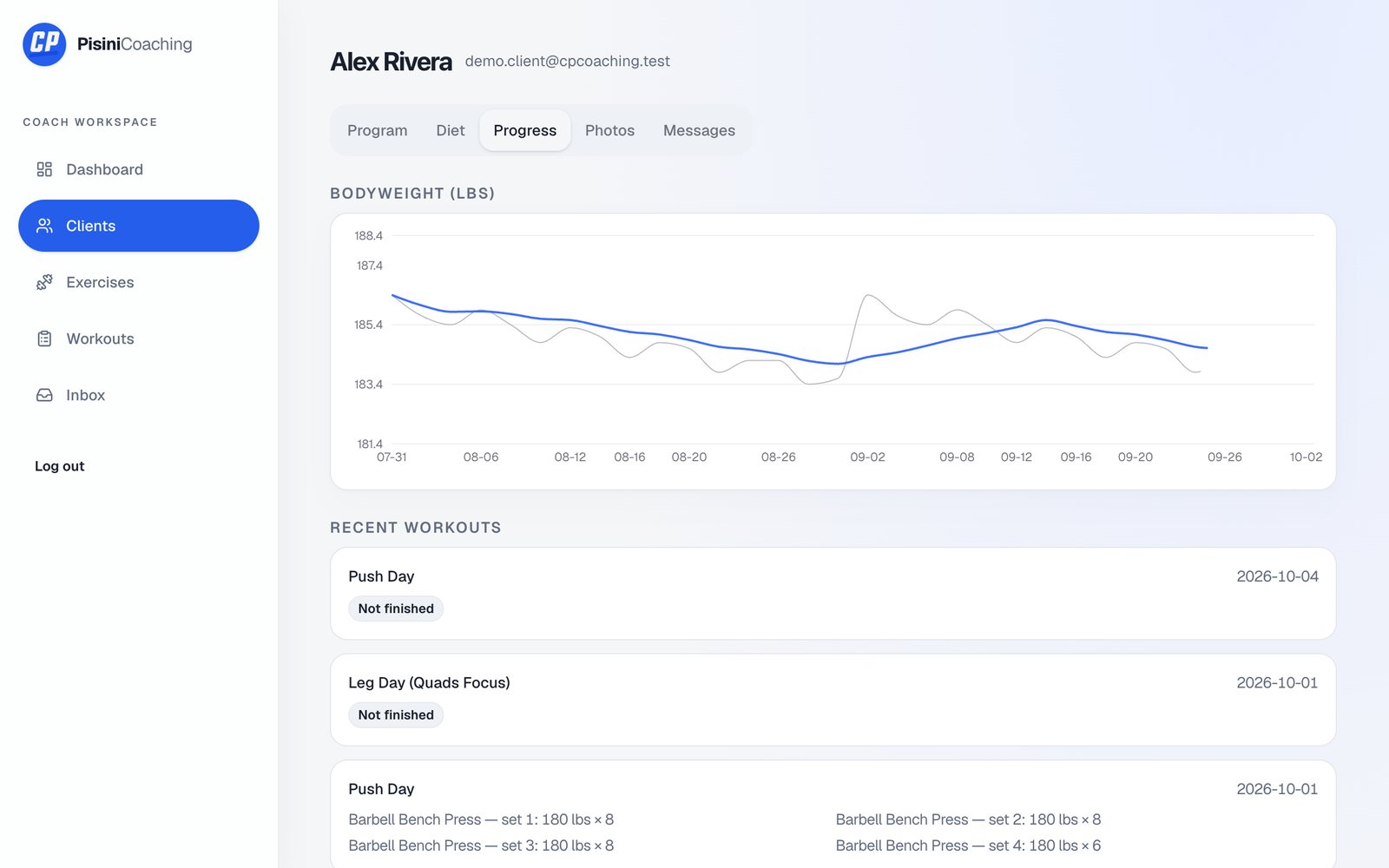
Bodyweight trend and every logged set, so a stalled lift or a skipped week is obvious.
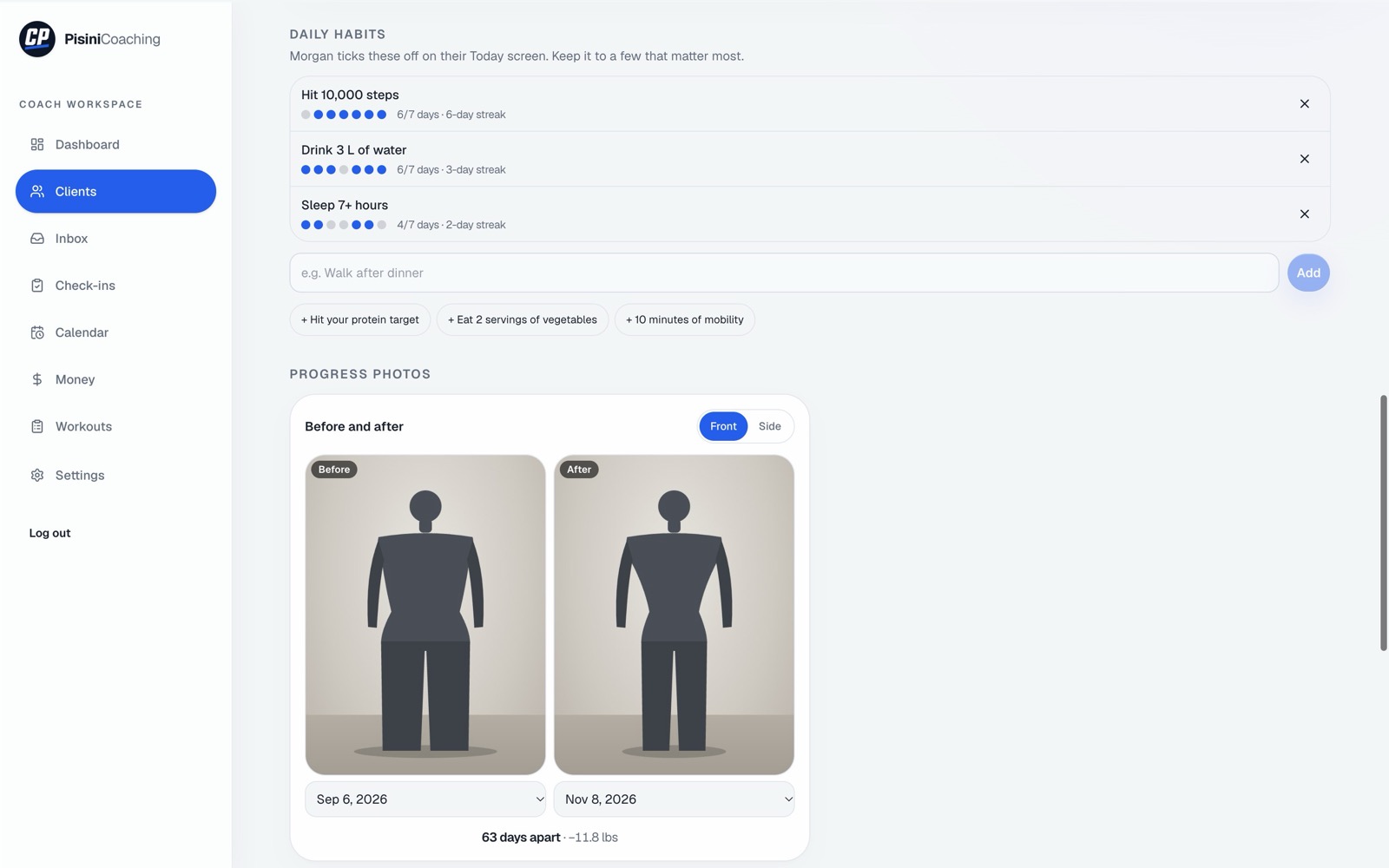
Habits and before/after
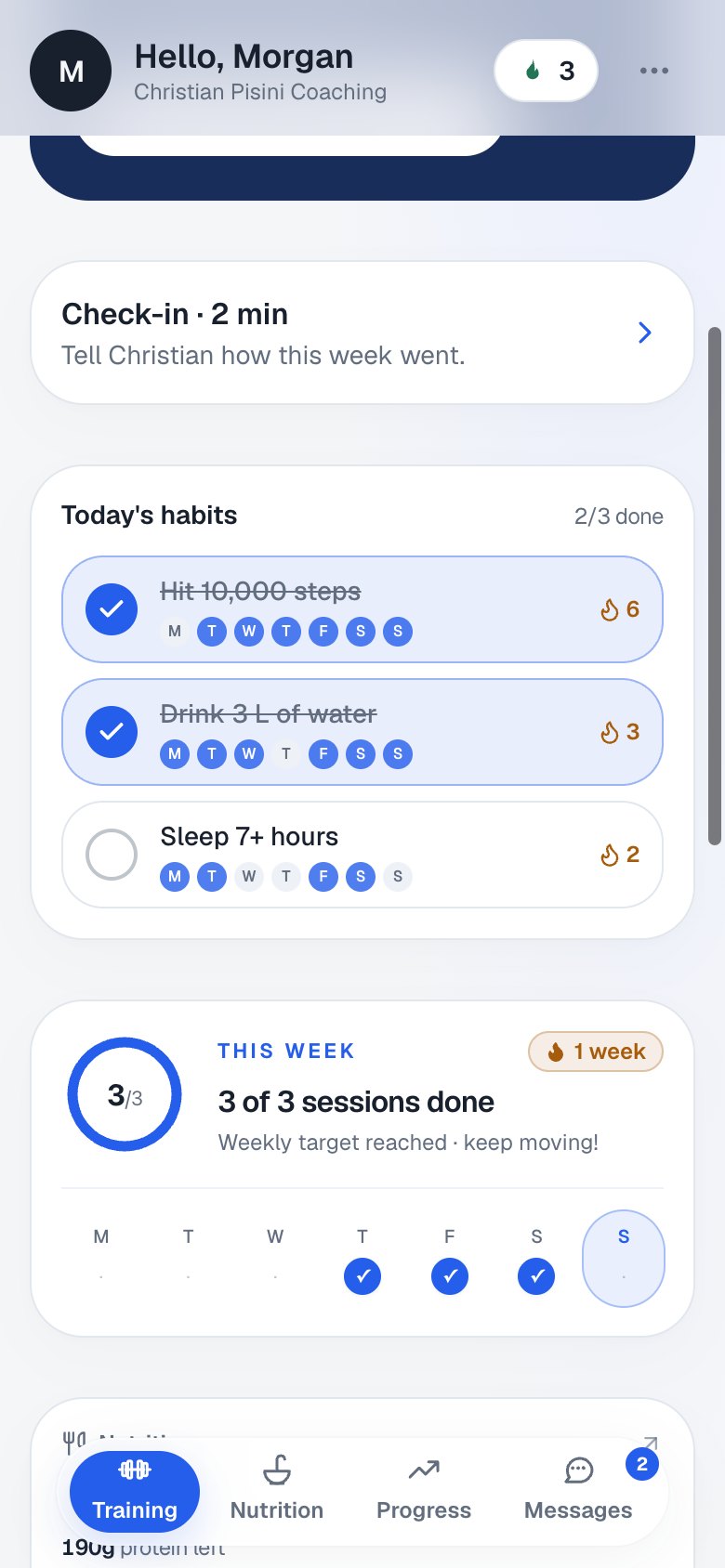
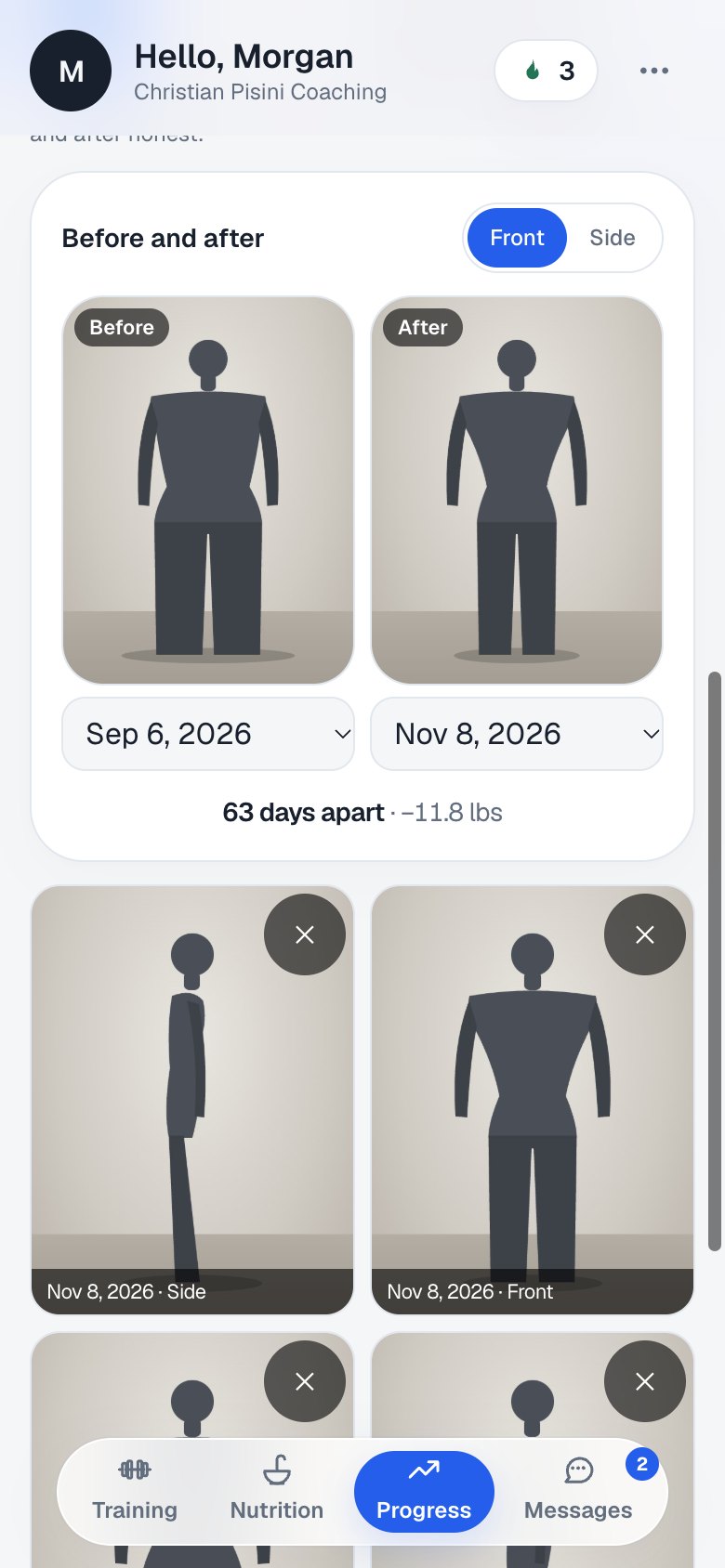
Christian sets each client a few daily habits and sees how the last week went. Their progress photos line up side by side, same angle, with the days and pounds between them.
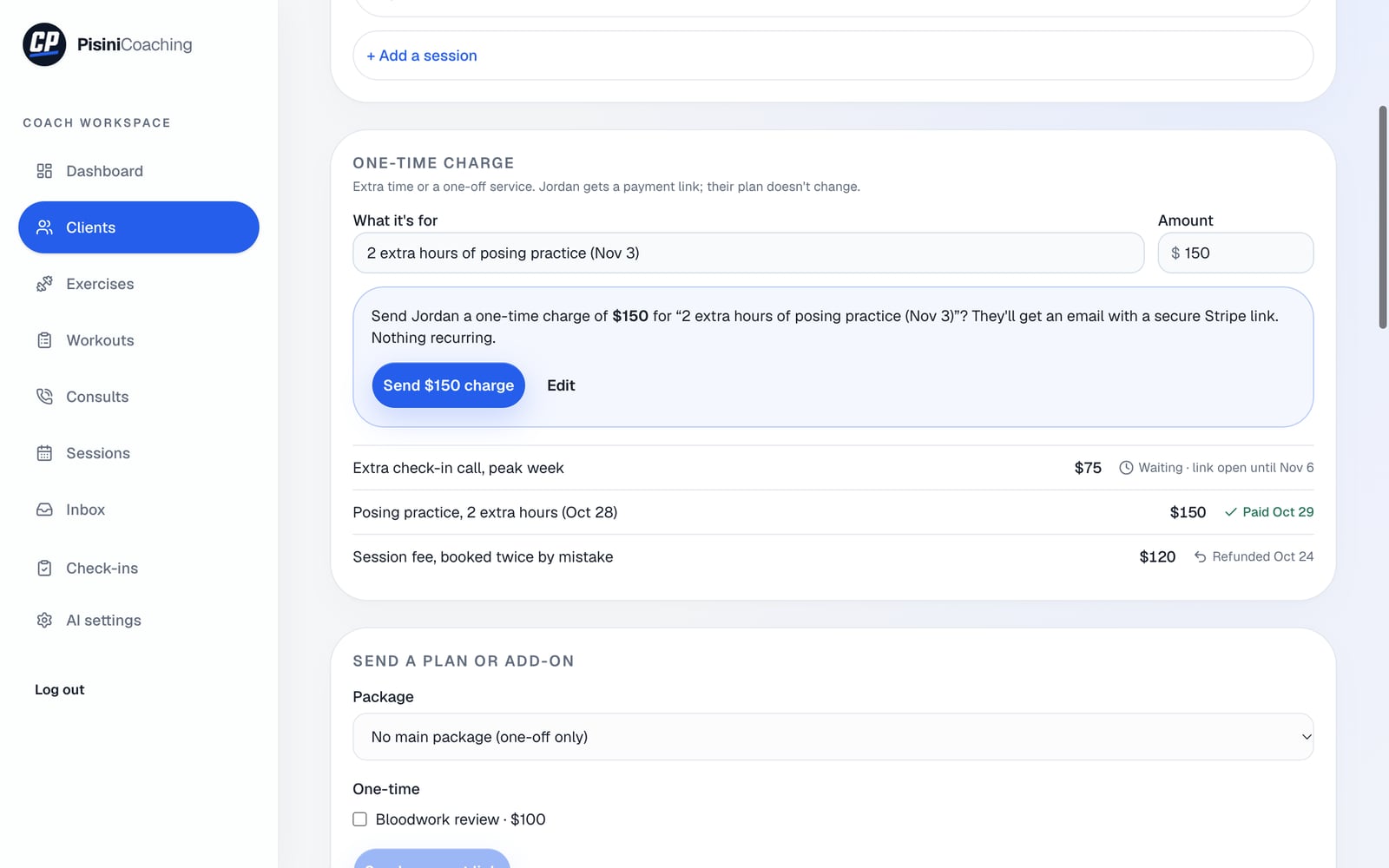
One-time charges
Extra time with a client? Christian types what it was for and the amount, confirms, and the client gets a Stripe link. Each charge shows as waiting, paid or refunded.
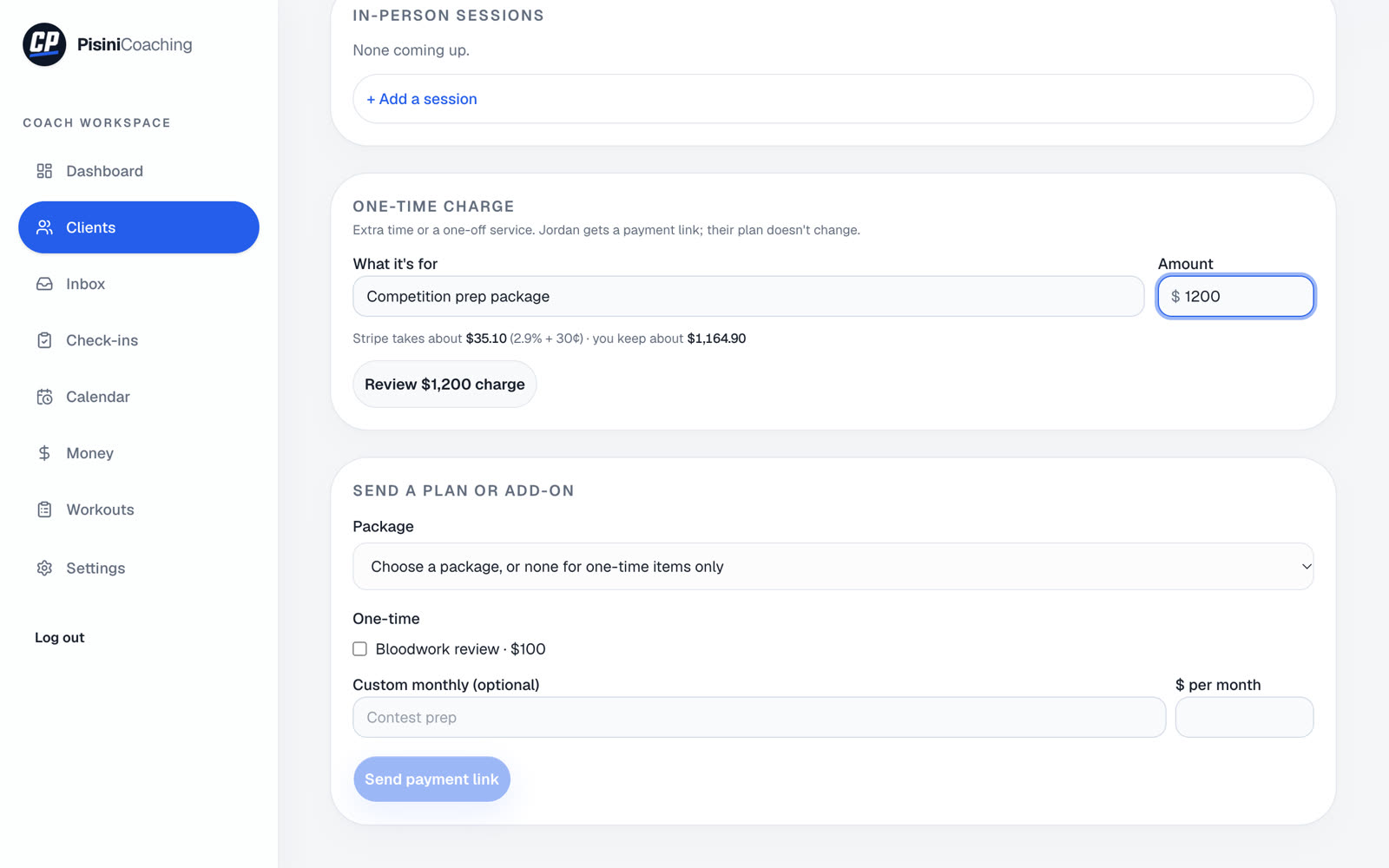
Stripe's cut, before he sends
Type an amount and the page shows what Stripe will take and what he keeps, before the link goes out.
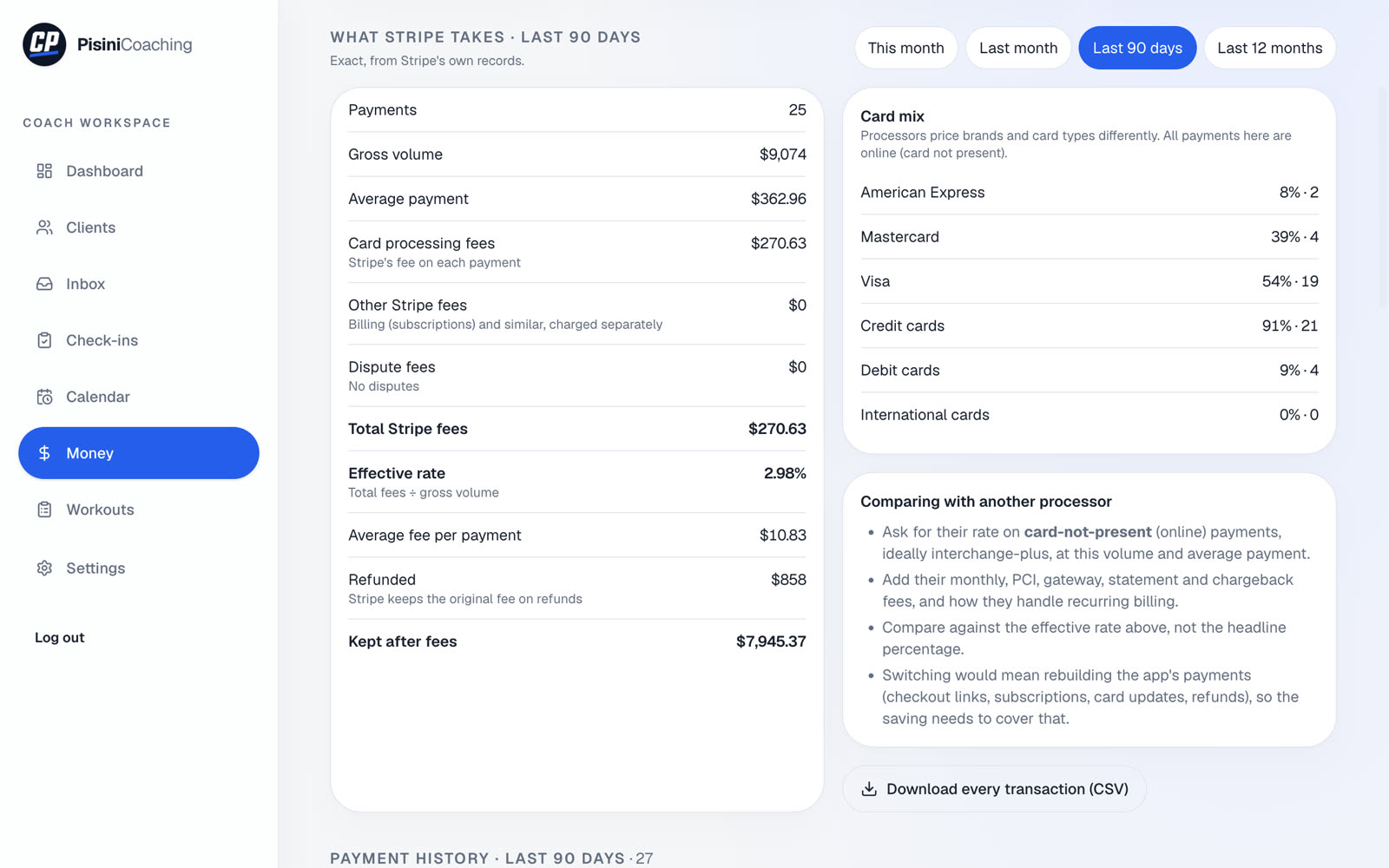
What Stripe takes
Exact fees from Stripe's own records: effective rate, card mix, and a CSV for his accountant. It's the set of numbers another processor needs to quote against.
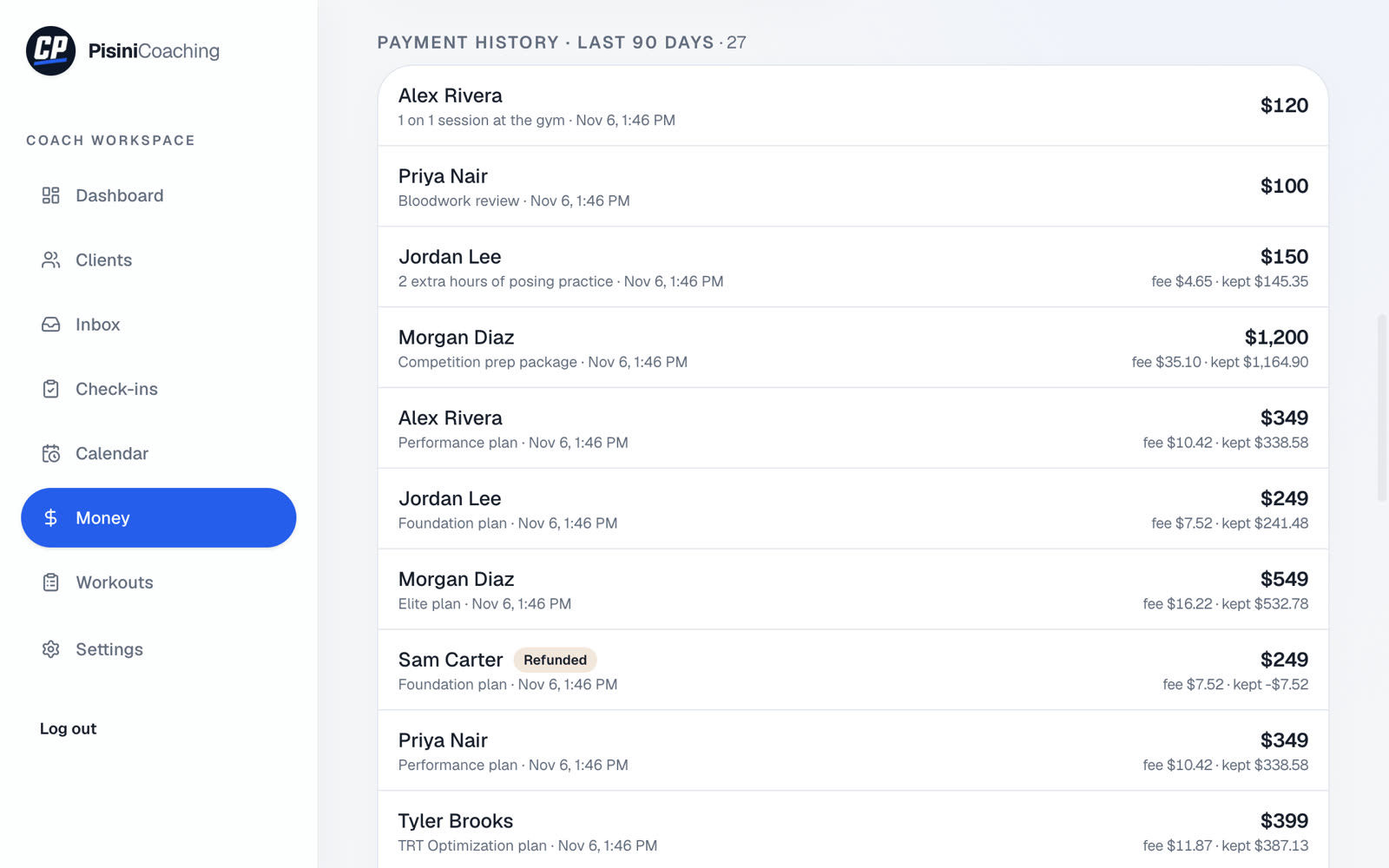
Payment history
Every payment in one list: who paid, what for, Stripe's fee and what he kept. Refunds and failed payments are labelled, and each row opens that client.
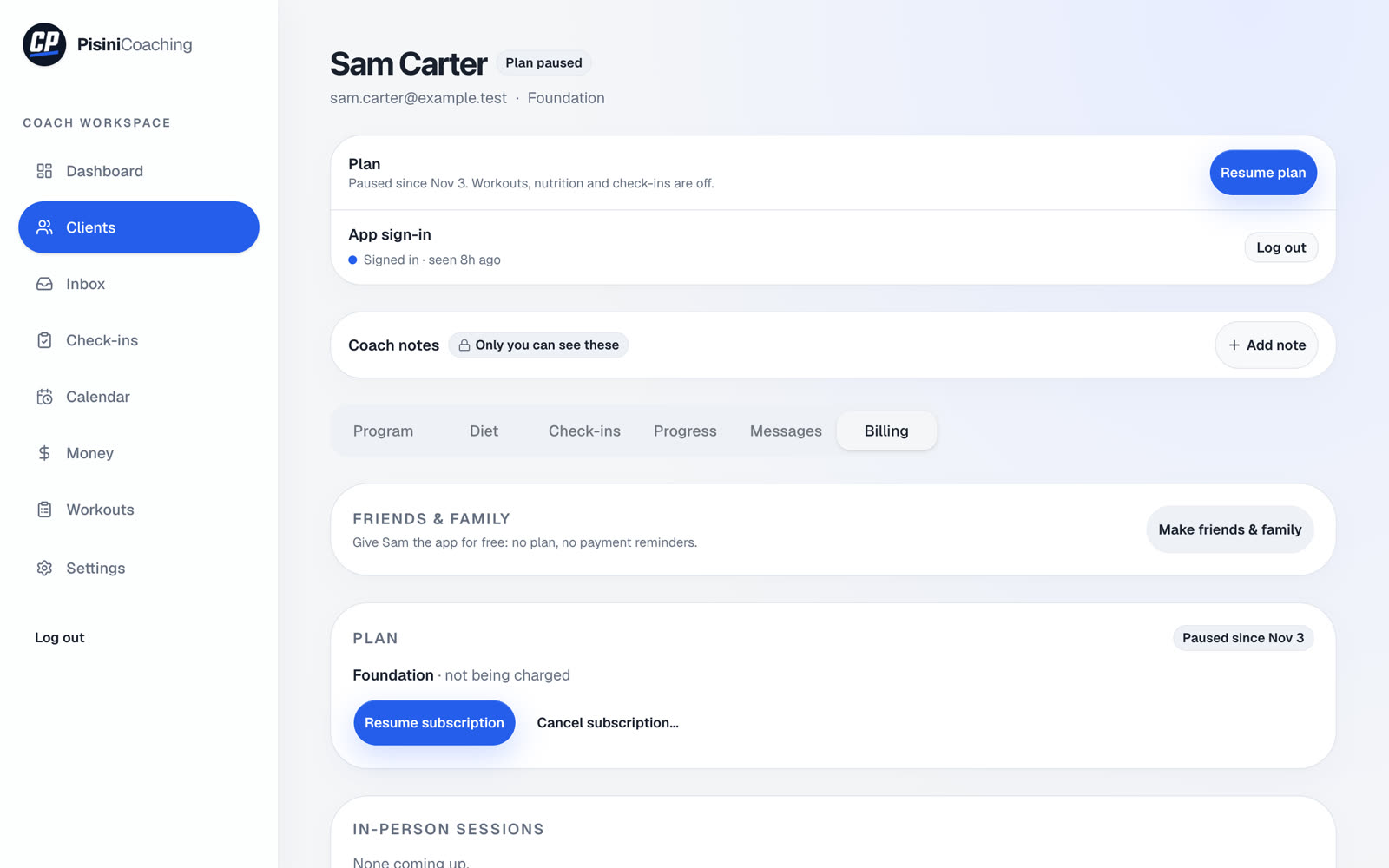
Pause or cancel a subscription
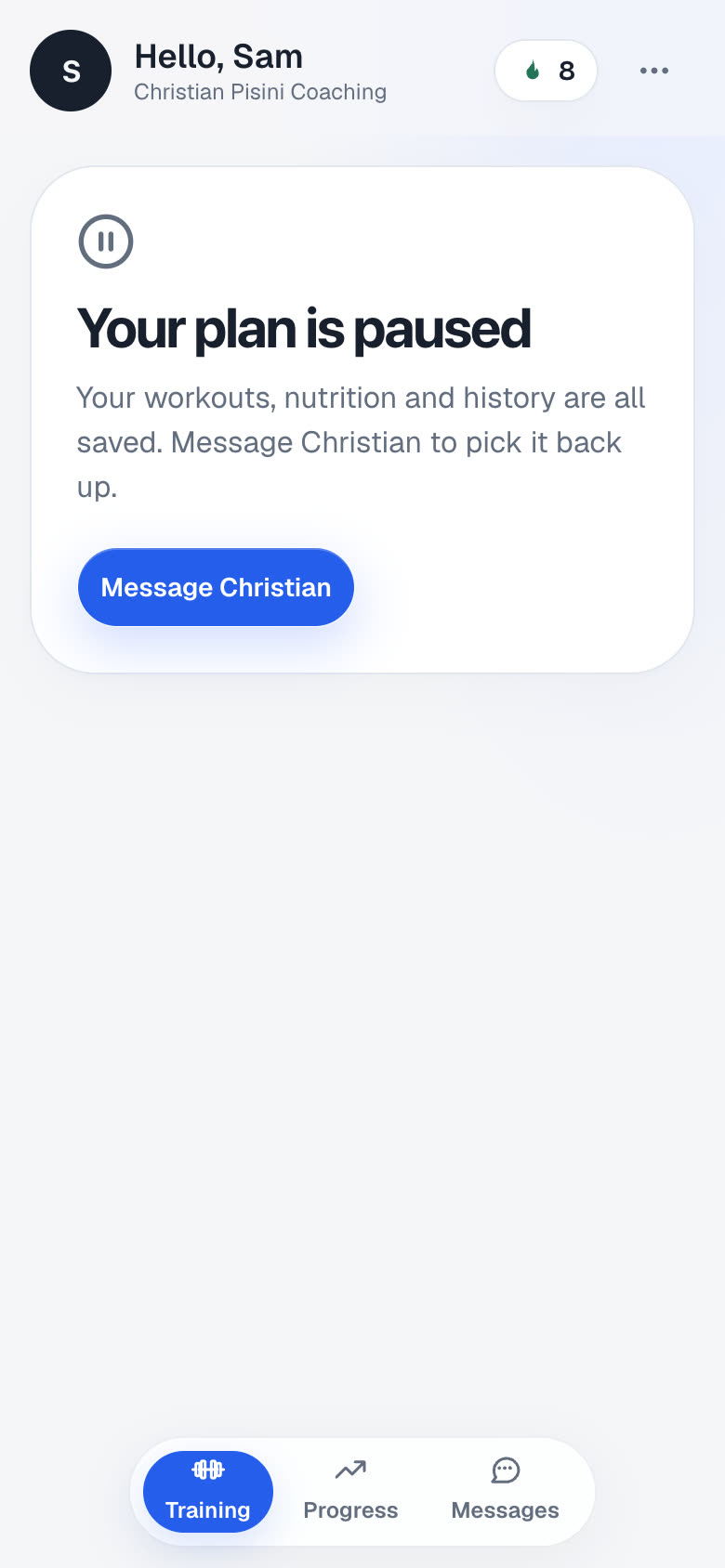
One tap pauses billing and the client's plan together, and one tap brings both back. A failed payment gets a five-day grace period, then pauses the plan on its own and restores it the moment they pay.
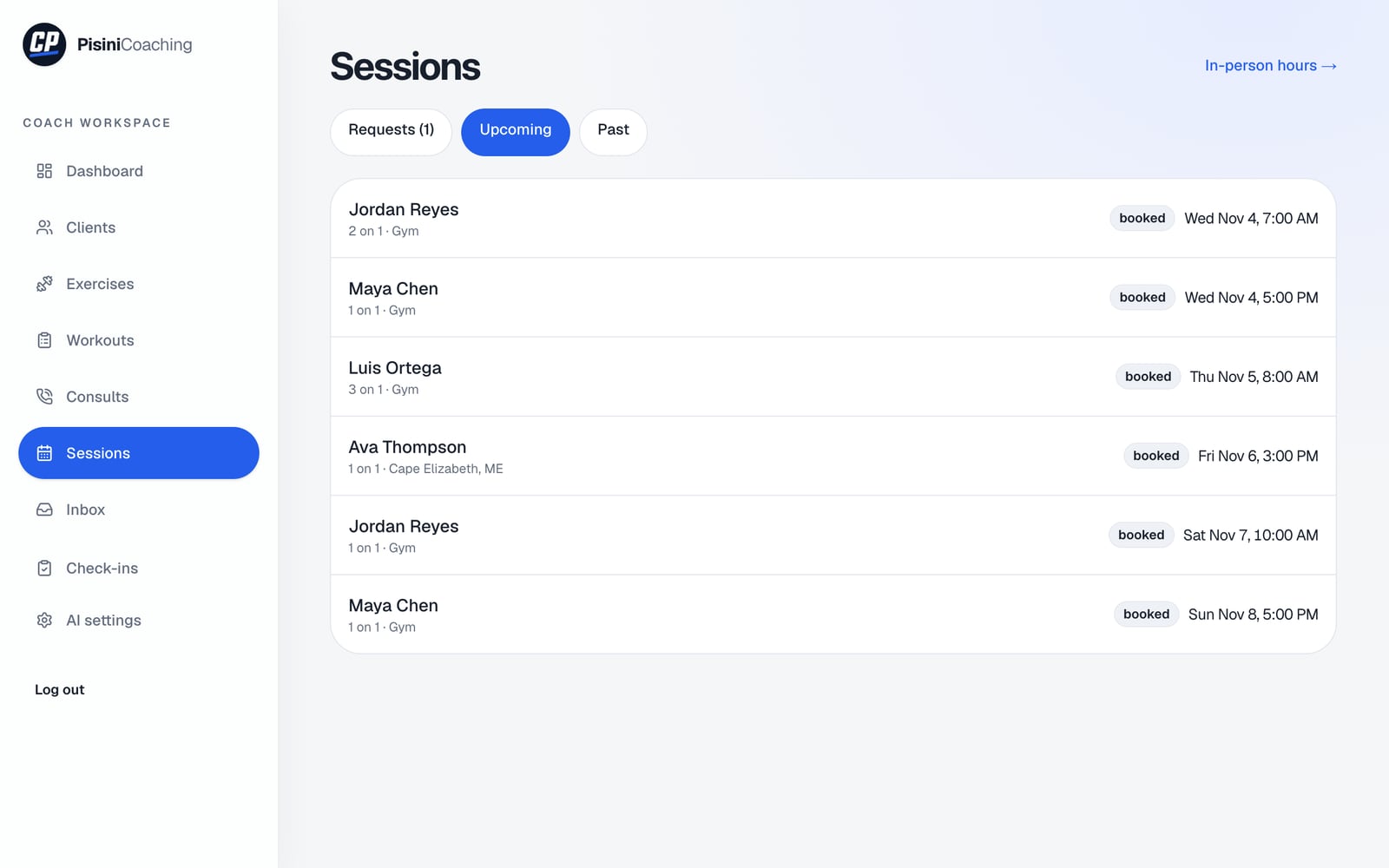
In-person sessions
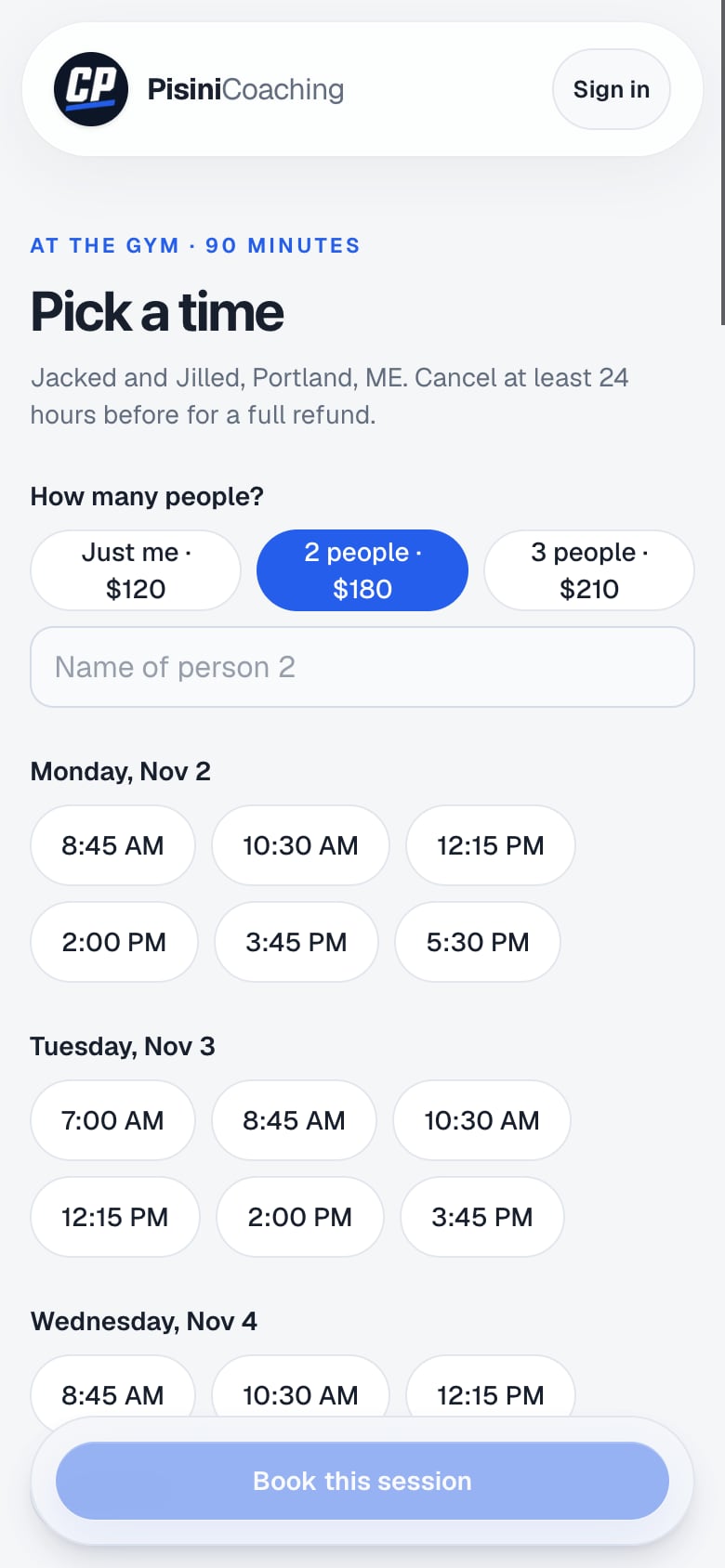
Paid 90-minute sessions at the gym for one to three people, plus requests to train at a client's home. Consults and sessions share one calendar, so nothing double-books.
Workout library
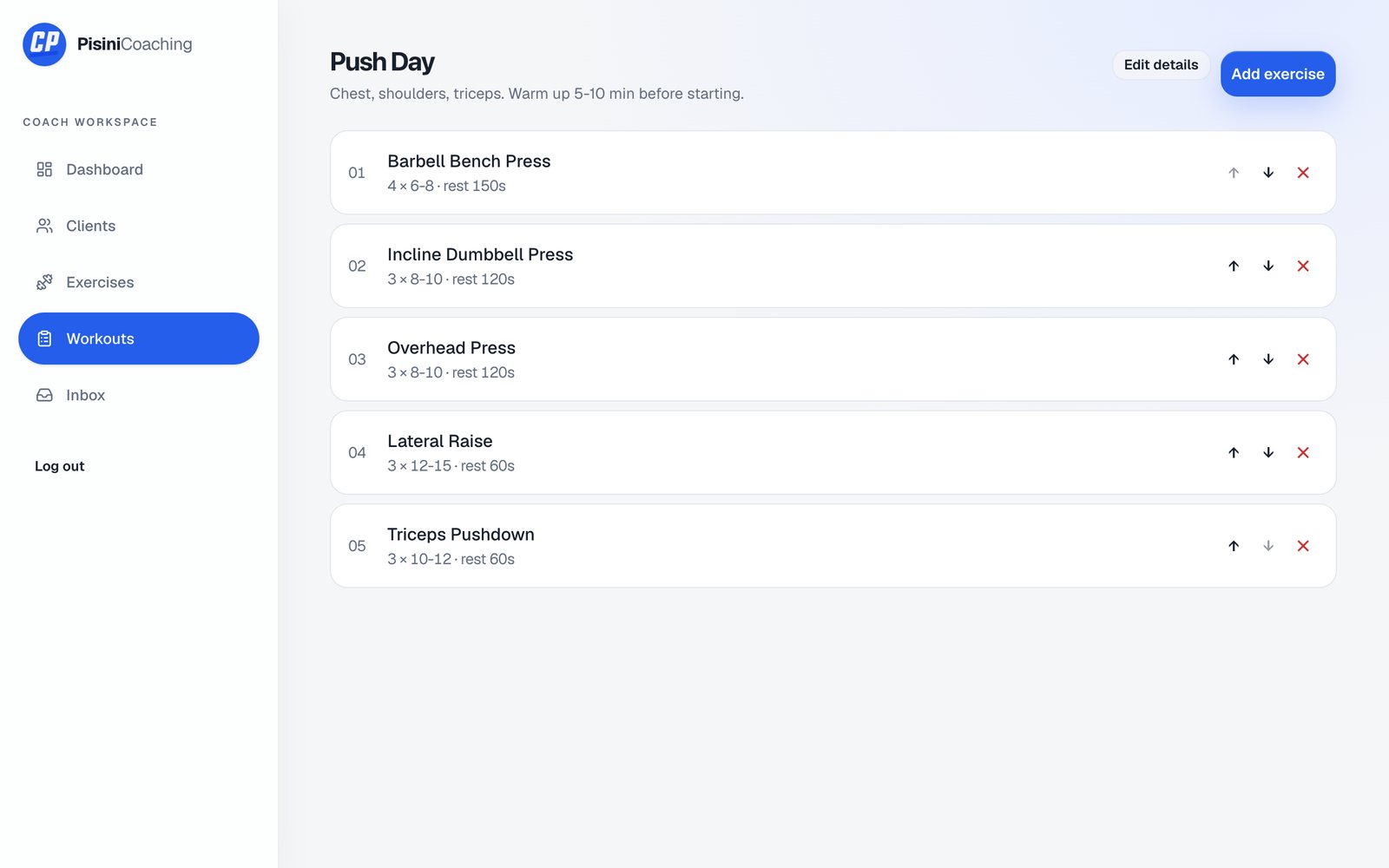
A ready library of full body, upper/lower, push/pull/legs and home workouts, each with warm-ups, effort targets and swaps. A client's own plan days stay on their page, so the library stays tidy.
Exercise library
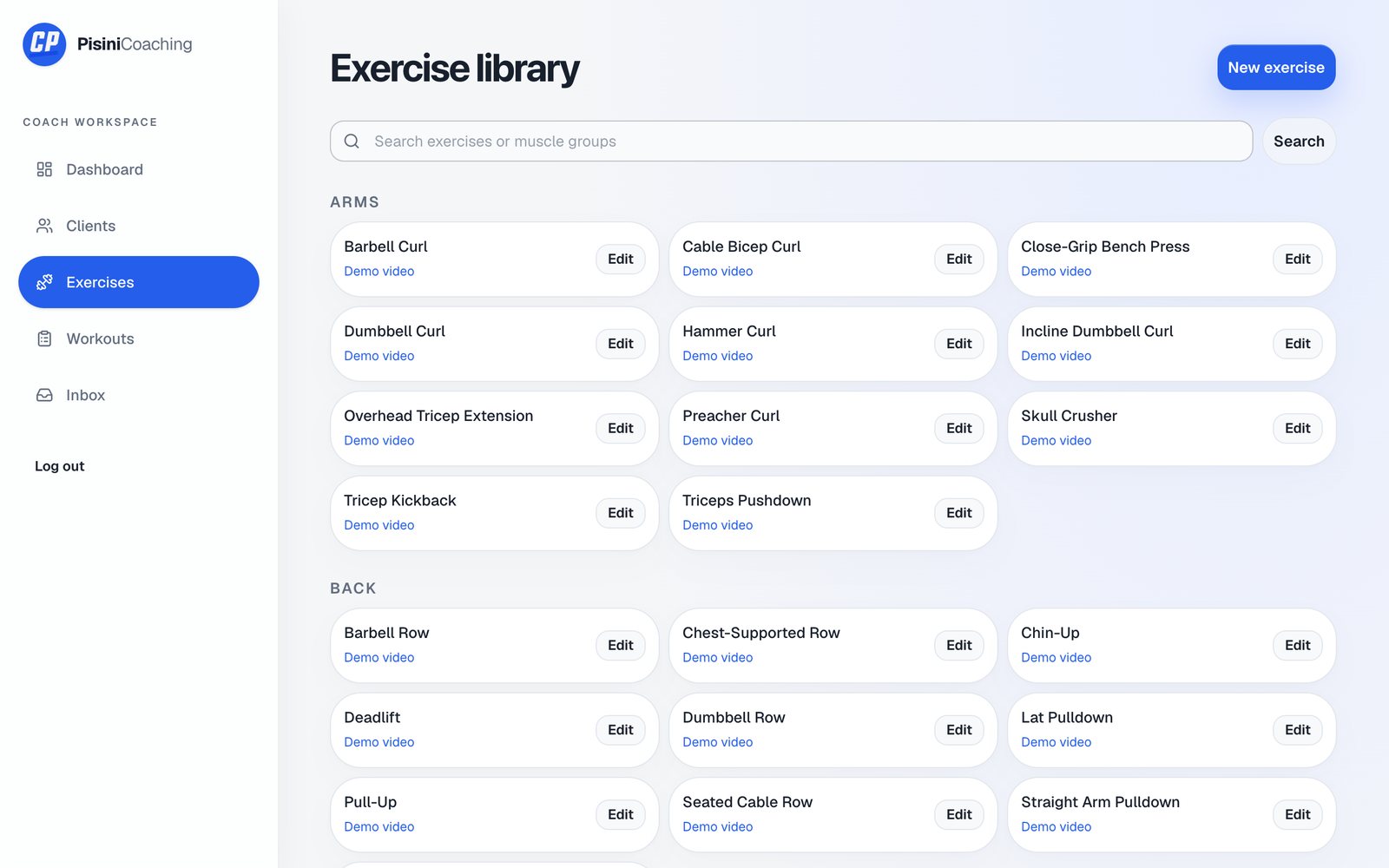
Every movement with a form video, grouped by muscle.
The Challenge
Most coaching sites stop at a marketing page with a contact form — the real coaching still happens off-platform, in spreadsheets and text threads that don't scale past a handful of clients. Christian needed the opposite: a system where creating a client, assigning a program, and watching their numbers move is the product, not an afterthought.
The Solution
Automyte built a single Next.js application with two real portals behind one marketing site. In the admin portal, Christian builds a reusable exercise library and workout templates, assigns a weekly program per client, writes diet plans meal-by-meal, builds a client's whole week on one screen or loads it from one spreadsheet (with a preview and row-by-row checks before anything changes), reuses whole training weeks as program templates, keeps private notes on every client, reviews and answers a weekly check-in queue, and watches an activity feed that flags any client who's gone quiet for 5+ days. The brand got the same care: a refined CP mark now runs across the site, the installable app's icon and the favicon.
The business side runs through it too. People apply on the website and book a free consult straight into Christian's calendar, with a written brief waiting for him before the call. He sends a Stripe payment link for the package he recommends, and paying creates the client's account with their answers already filled in. Subscriptions renew on their own, cancelling follows his one-month-notice agreement, and he can bill one-off extras like extra coaching time, with refunds tracked back on the client's page. He can pause or cancel a subscription from the client's page, and a failed payment pauses the plan by itself after a five-day grace period, then restores it when they pay. The Money page shows every payment and exactly what Stripe takes, in the terms he needs to compare processors. In-person sessions at his gym are booked and paid online, and share one calendar with consults so nothing double-books.
An AI plan drafter, built on Claude, writes a first draft of each program and nutrition plan from the client's intake, equipment, injuries and recent logs, following Christian's own training method. He reviews it, tells it what to change in plain words, and when he corrects it, the lesson carries into every future draft. Nothing reaches a client until he applies it.
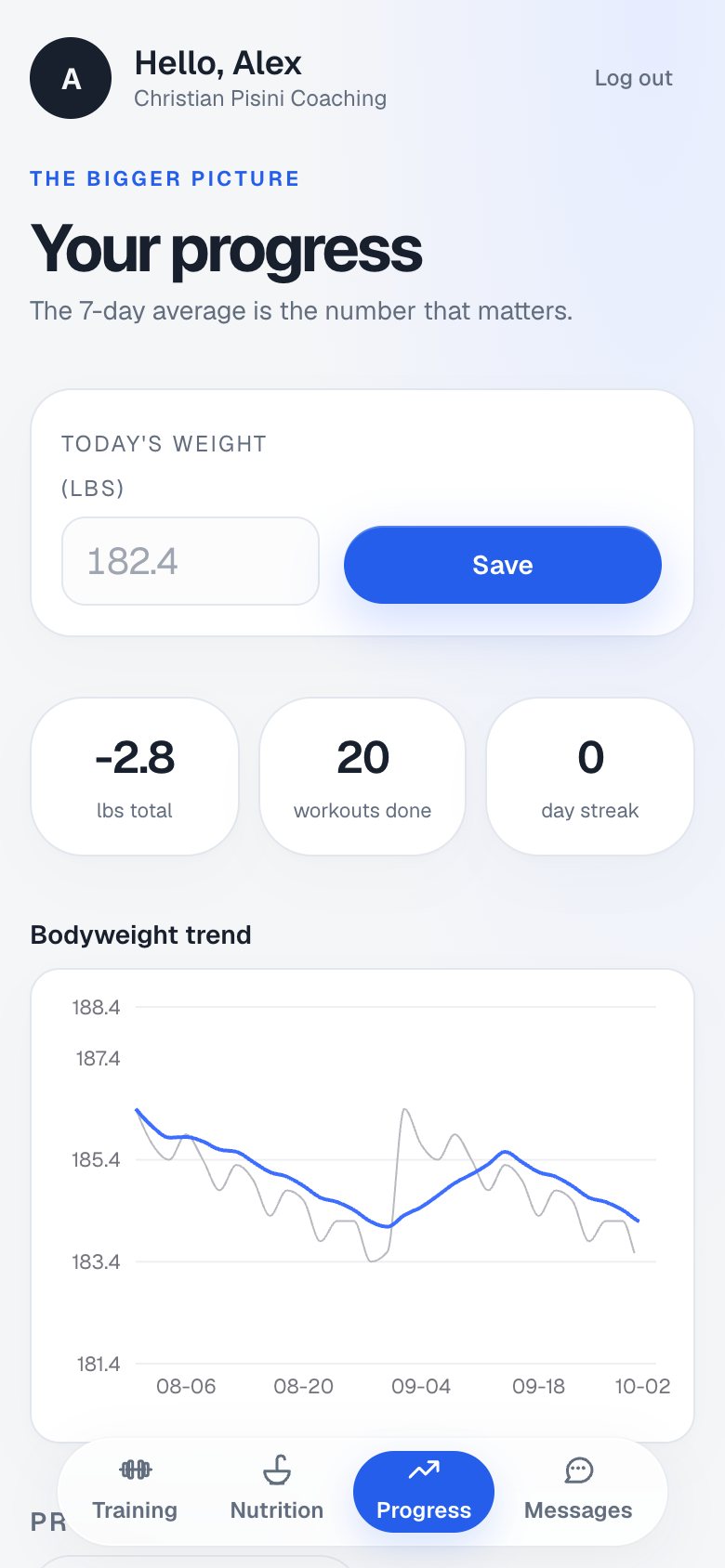
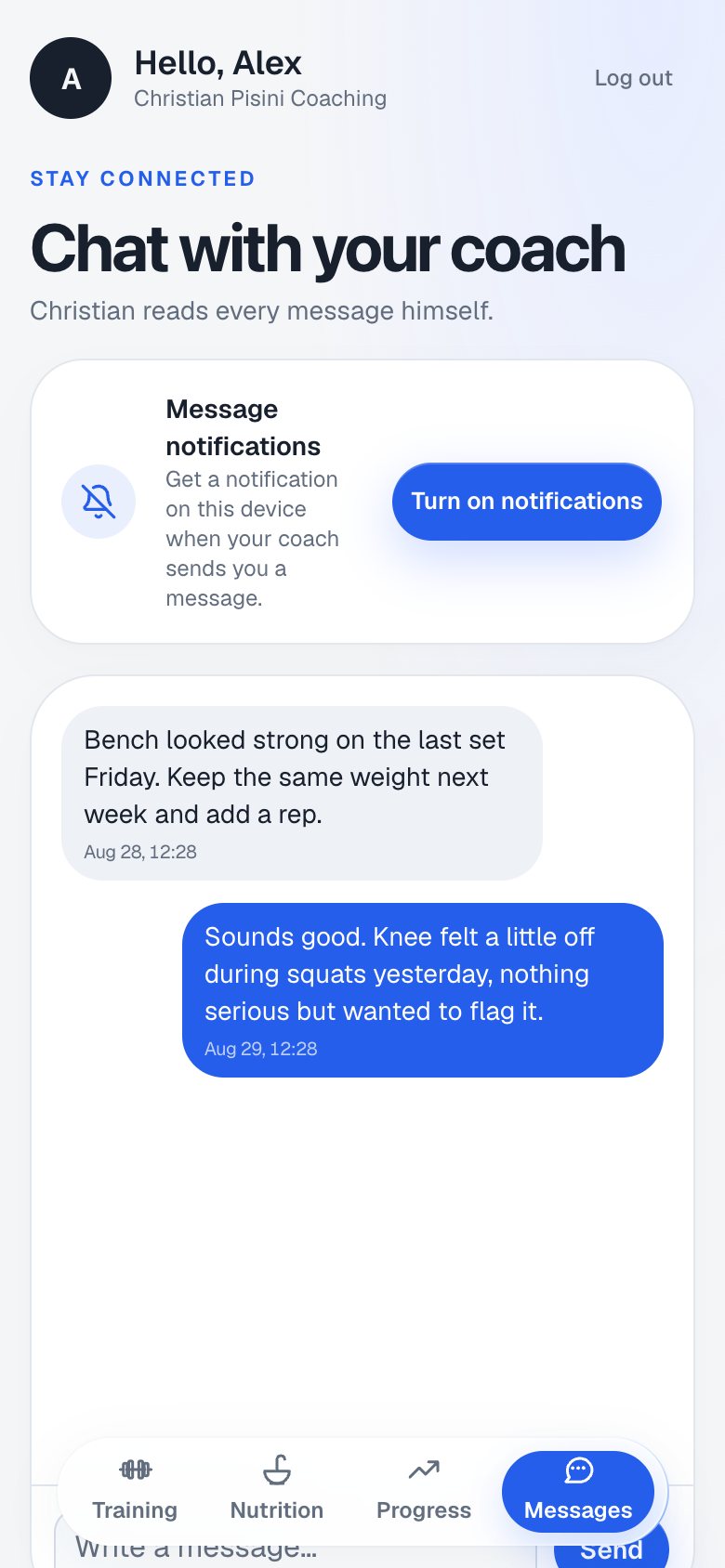
In the client portal, each lifter sees today's workout front and center, with warm-ups, effort targets and a swap for any machine that's taken, logs weight × reps per set with last session's numbers pre-filled (even with no signal in the gym; sets sync when it's back), sees new personal records called out the moment a workout ends, logs food by search or barcode against Christian's targets, sends a two-minute weekly check-in, tracks bodyweight with a trend chart and streak count, ticks off the daily habits Christian sets, compares before and after progress photos of the same angle, and messages Christian directly — installable as a PWA so it feels like an app, not a webpage. New messages arrive as phone notifications in both directions, with email as the fallback when a device has notifications off.
How We Tested It
Under load. We loaded a copy of the app with 500 extra clients, 20,000 messages and 75,000 logged sets, measured every coach page, and fixed what grew. The heaviest page went from 8.1 MB to 714 KB.
Under attack. In our own security test, an agent attacked a private copy of the app with standard penetration-testing tools, and all 122 server actions were fired directly, as an anonymous visitor and as a client using another client's ID. Nothing leaked. Checks against the live site stayed read-only to protect real clients. We found no critical or high-severity issues and fixed the smaller ones. This was our own testing, not a third-party audit.
With real money. We ran the subscription flow on a real $1 payment: pay, pause, resume, cancel and refund, checking each step in both the app and Stripe.
The Results
Christian now runs his entire coaching business — applications, consults, payments, programming, nutrition, check-ins and in-person sessions — from one system he and his clients actually live in every day.